Drivers & Utilities
4 - 14 RAID Mode Configuration
4
19. Press a key when you see the message "Press any key to start up from the CD/Press any key to boot
from CD".
20. Press the F6 key when you see the message “Press F6 if you need to install third party SCSI or RAID
driver”.
21. When the Windows Setup menu appears, press the <S> key to "Specify Additional Device".
22. Insert the RAID Driver Diskette into the external USB Floppy drive.
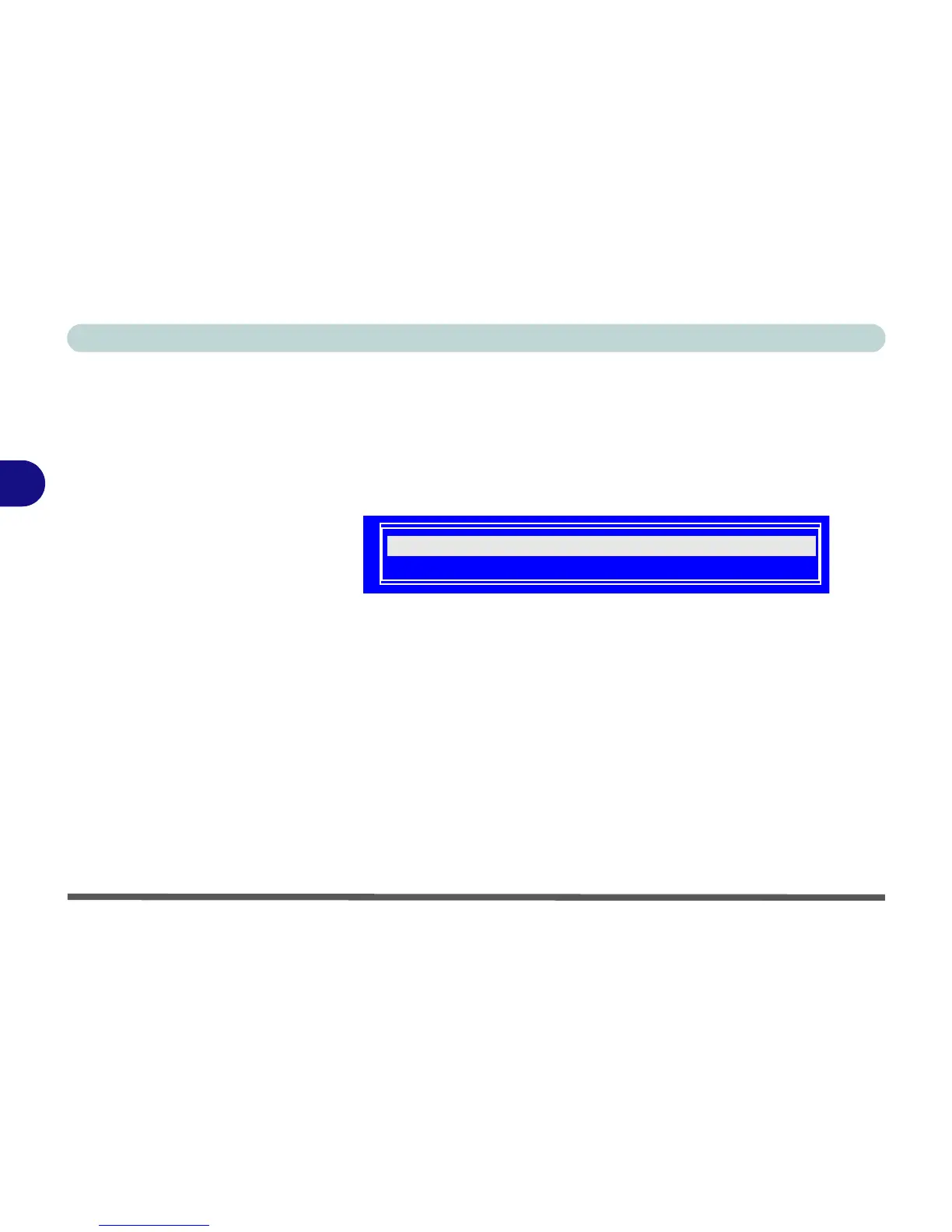
23. Select the appropriate controller for your Windows XP operating system, and press Enter (see below).
24. The system will now read from the floppy disk drive and then return to the Windows Setup menu.
25. Press Enter to continue installing the operating system as normal (see your Windows documentation if
you need help on installing the Windows OS).















 To Next Page