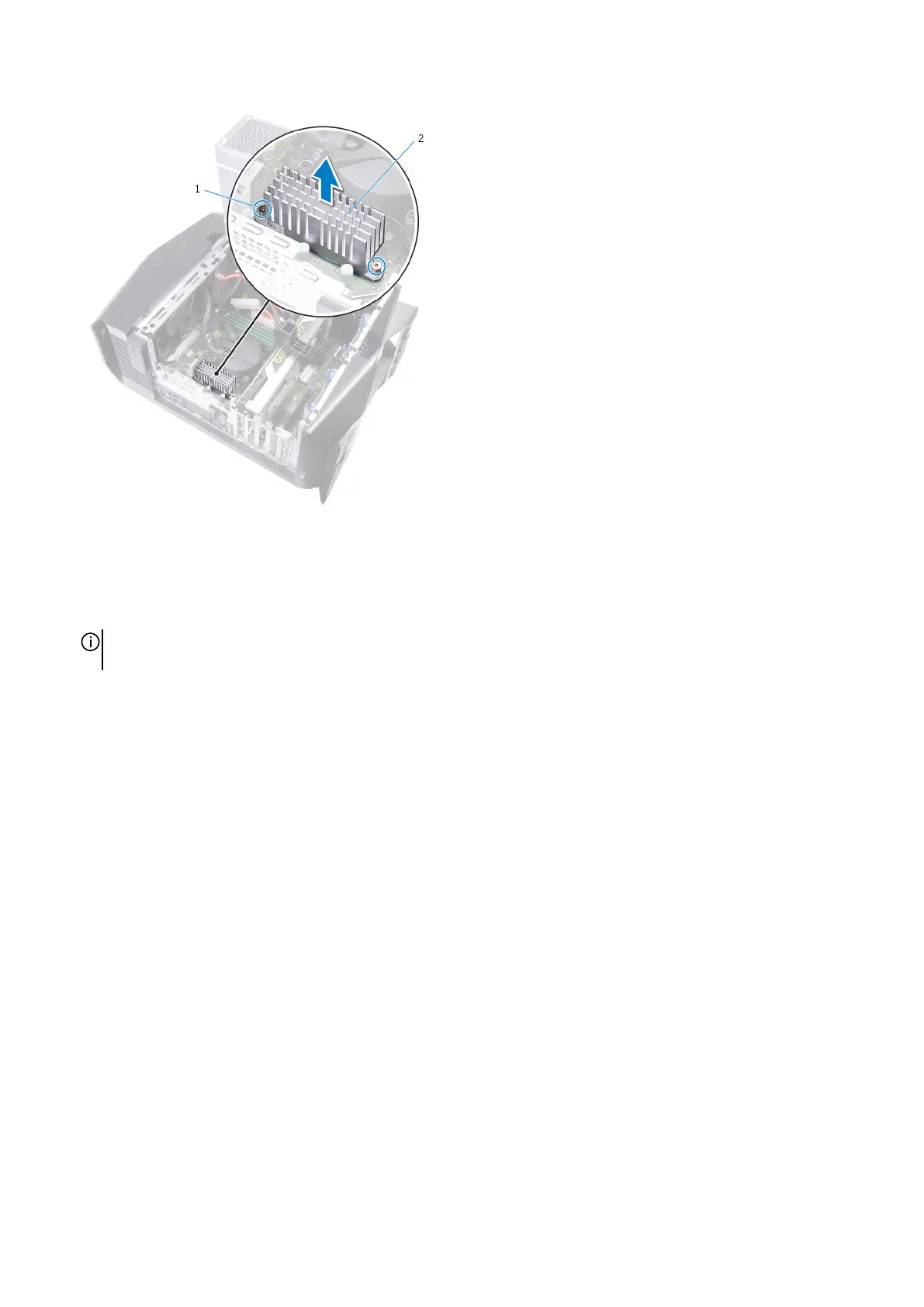
a. captive screws (2)
b. VR heat sink
5. Disconnect the processor-cooling assembly cables from the system board.
6. In reversed order (as indicated on the processor cooler), loosen the captive screws that secure the processor cooler to the system
board.
NOTE: If your are using an electric screwdriver, torque the screws at 6.9 +/-1.15 kilogram-force centimeter (6 +/-1
pound force inch).
7. Lift the processor-cooling assembly along with the cables off the computer.
48















 To Next Page