Removing the antenna
NOTE: Before working inside your computer, read the safety information that shipped with your computer and follow the
steps in Before working inside your computer. After working inside your computer, follow the instructions in After working
inside your computer. For more safety best practices, see the Regulatory Compliance home page at www.dell.com/
regulatory_compliance.
Prerequisites
1. Remove the
left-side cover.
2. Remove the right-side cover.
3. Remove the top cover.
4. Follow the procedure from step 1 to step 4 in “Removing the wireless card”.
Procedure
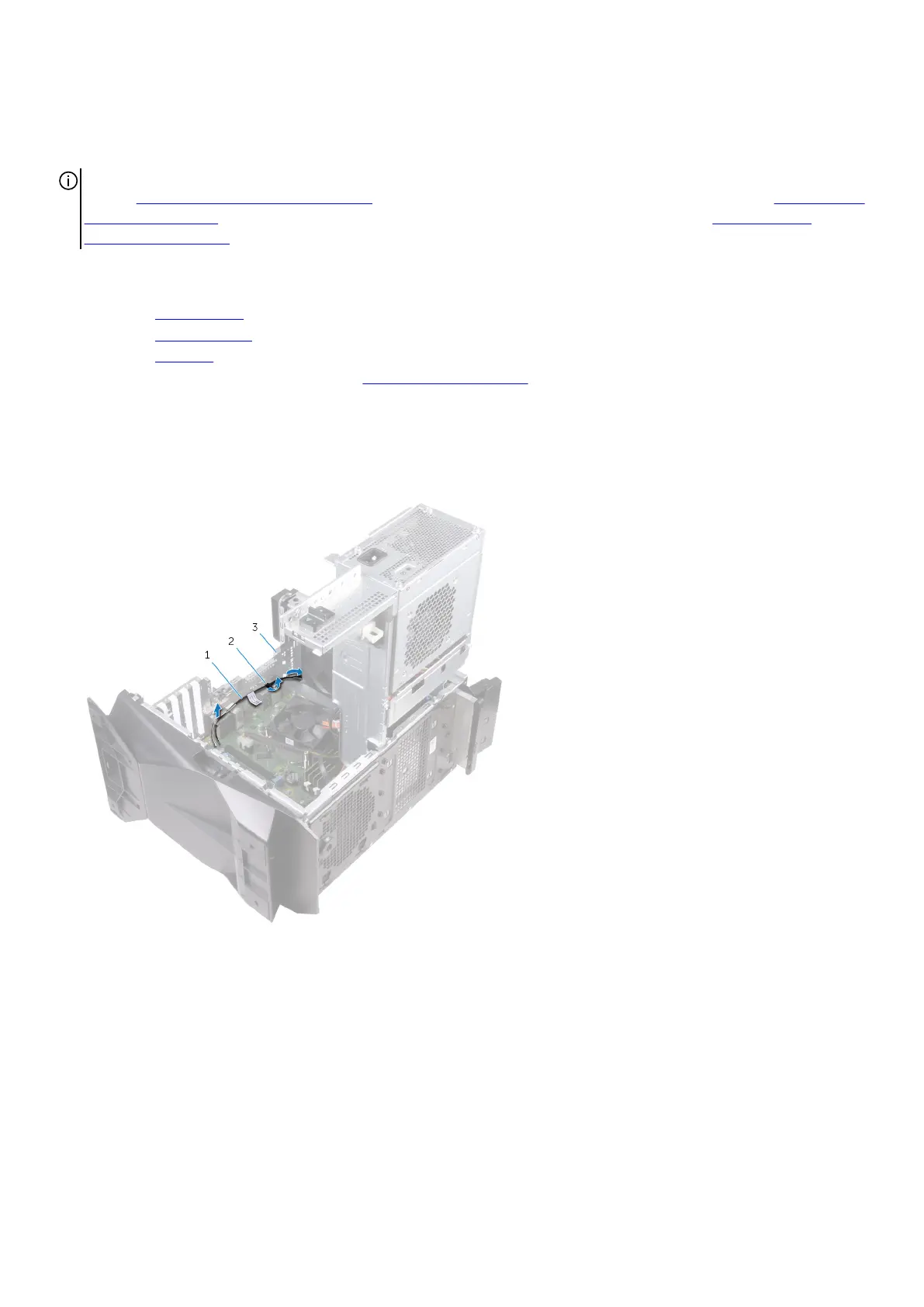
1. Note the antenna-cable routing and remove the antenna cables from the routing guides inside the chassis.
2. Push down the antenna cables towards the top of the computer through the cable-routing slot on the chassis.
a. antenna cables
b. routing guides
c. chassis
3. Remove the antenna cables from the routing guides on the chassis.
4. Pry the antenna off the chassis.
69















 To Next Page