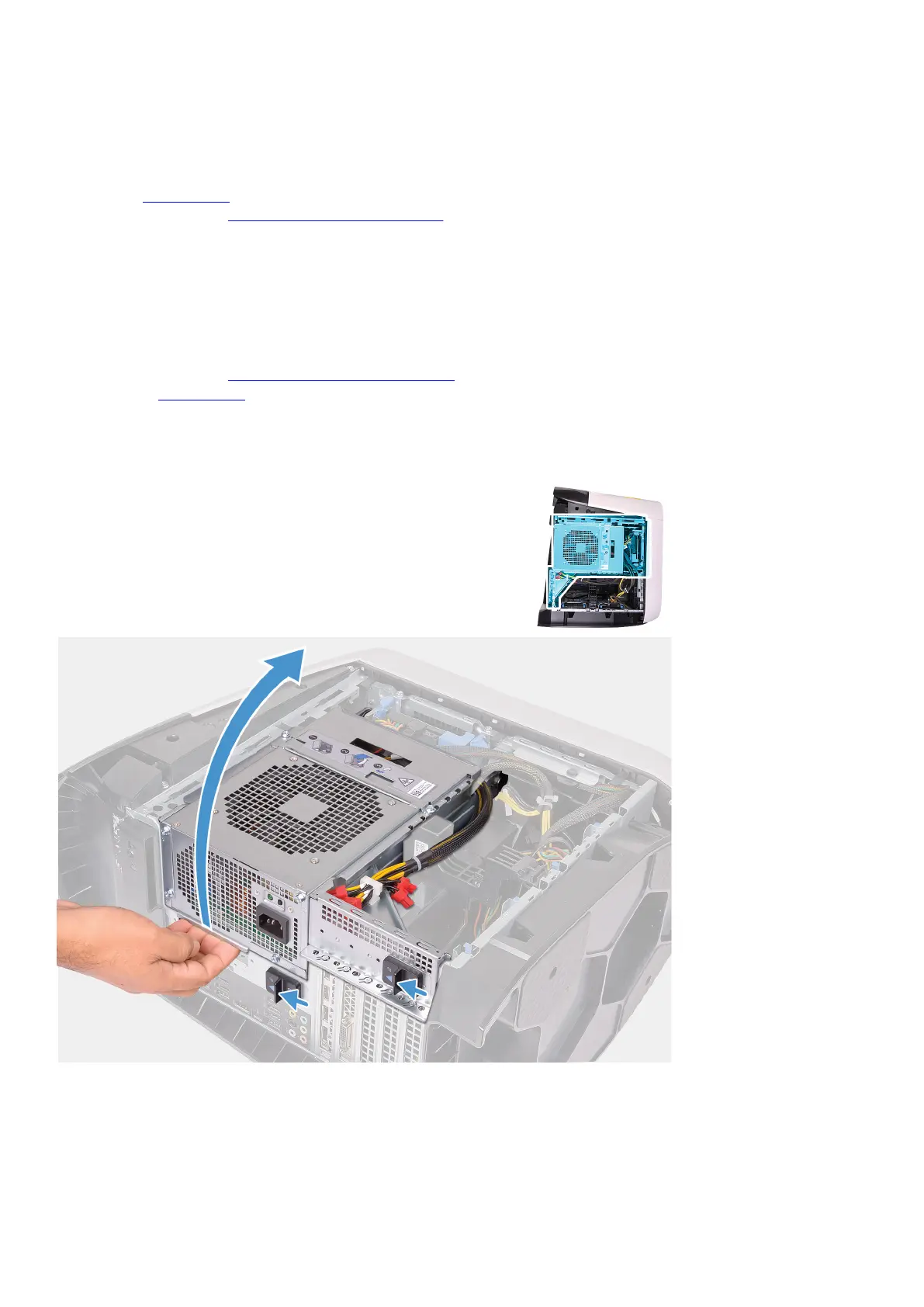
2. Rotate the power-supply unit cage towards the chassis.
3. Slide the power-supply unit cage release latches towards the locked position.
Next steps
1. Install the left-side cover.
2. Follow the procedure in After working inside your computer.
Memory modules
Removing the memory modules
Prerequisites
1. Follow the procedure in Before working inside your computer.
2. Remove the left-side cover.
About this task
The following images indicate the location of the memory modules and provides a visual representation of the removal procedure.
43















 To Next Page