12 | About your monitor
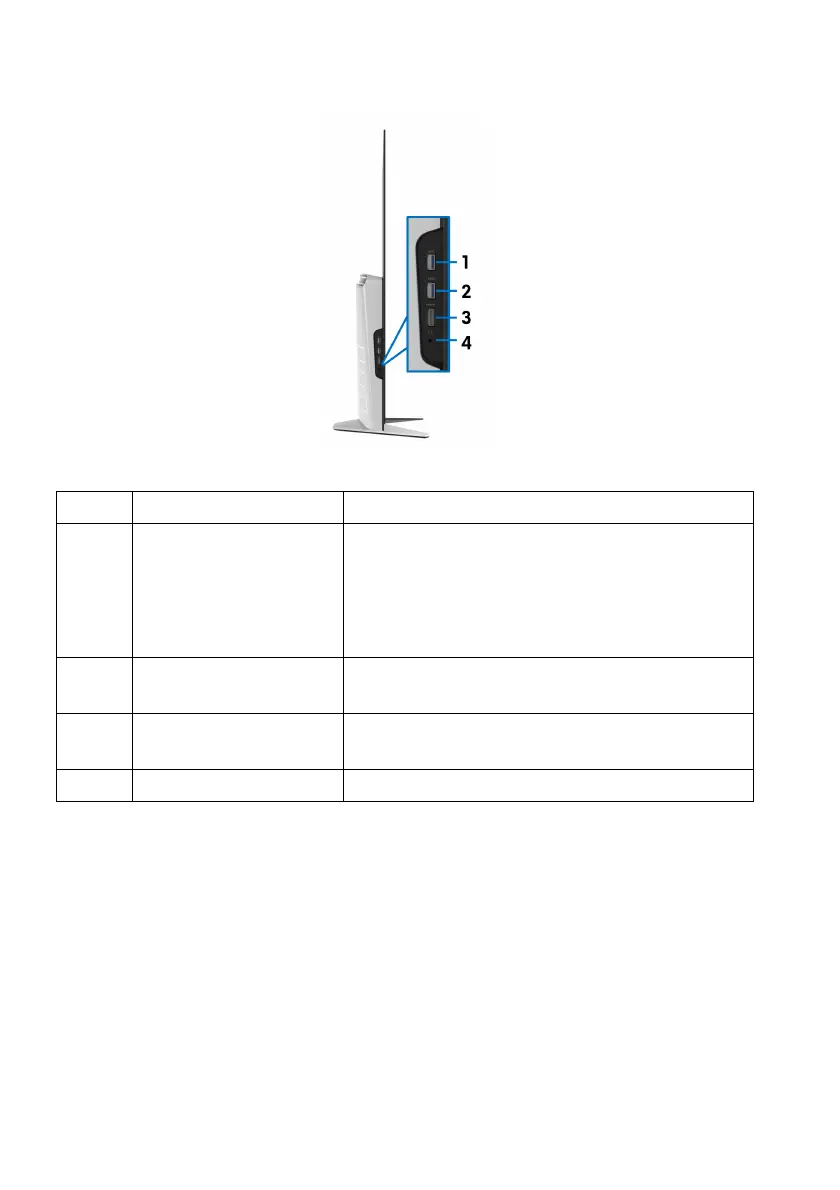
Side view
Label Description Use
1 USB downstream port Connect your USB device.*
NOTE: To use th
is port, you must connect the
USB cable (shipped with your monitor) to the
USB upstream port on the monitor and to your
computer.
2 USB downstream port
wi
th Power Charging
Connect to charge your device.
3 HDMI port (HDMI 3) Connect your computer with the HDMI cable
(shippe
d with your monitor).
4 Headphone port Connect a headphone or speakers.
* To avoid signal interference, when a wi
reless USB device has been connected
to a USB downstream port, it is not recommended to connect any other USB
devices to the adjacent port.















 To Next Page