Operating the monitor | 55
OSD warning message
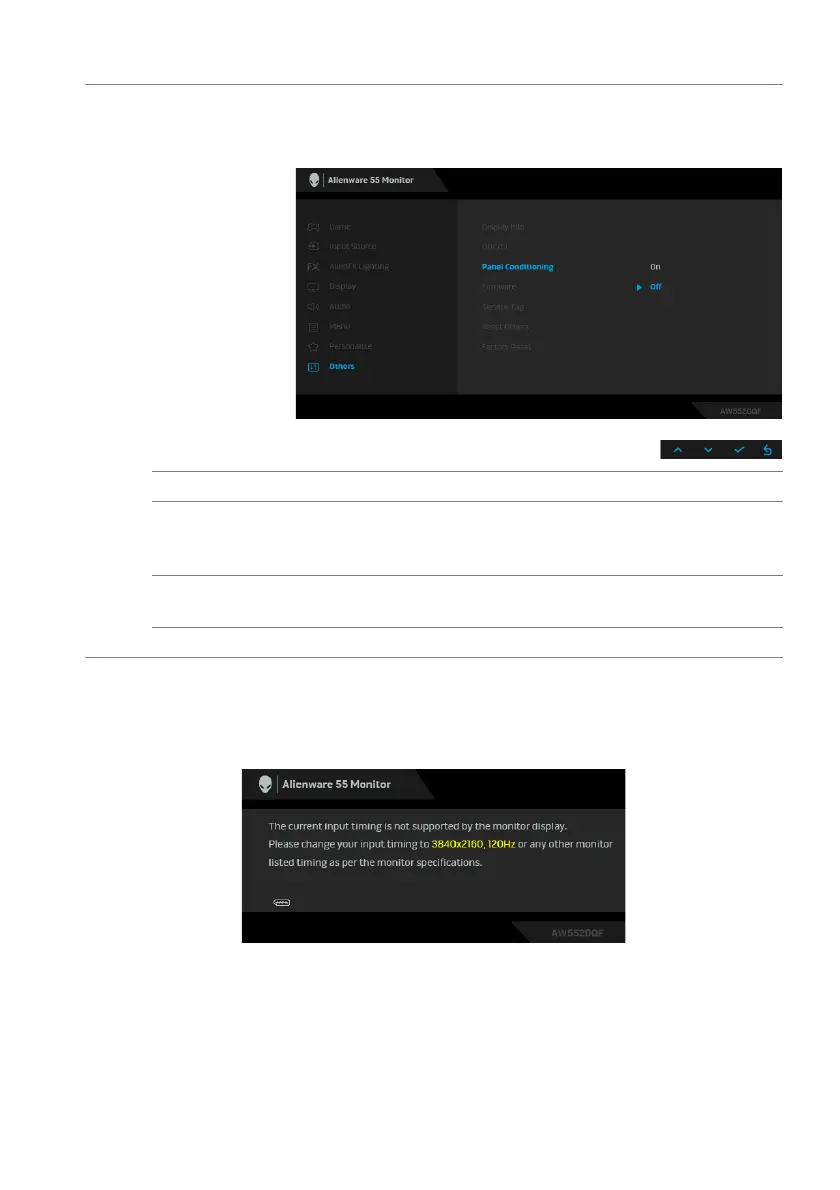
When the monitor does not support a particular resolution mode, you will see the
foll
owing message:
or
Panel
Conditioning
Helps reduce minor cases of image retention. Depending on
the degree of image retention, the program may take some
time to run. You can enable this feature by selecting On.
Firmware Displays the firmware version of your monitor.
Service Tag Displays the service tag of your monitor.
This string is required
when you look for phone support, check your warranty status,
update drivers on Dell's website, etc.
Reset Others Resets all settings under the Oth
ers menu to the factory
defaults.
Factory Reset Resets all OSD settings to the factory defaults.















 To Next Page