40 | Operating the monitor
Front-panel button
Use the buttons on the front of the moni
tor to adjust the display settings.
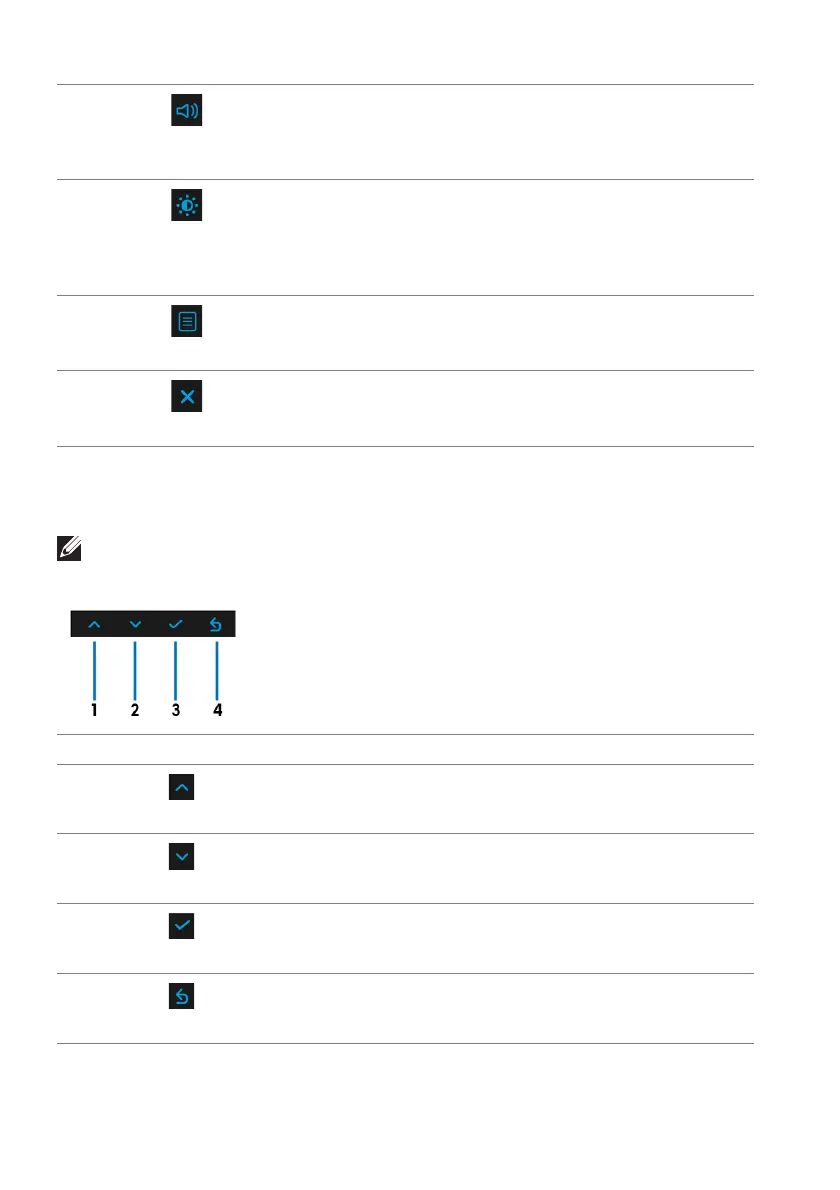
Front-panel button Description
1
To move up or increase a value in the OSD menu.
2
To move down or decrease a value in the OSD menu.
3 To confirm your selection.
4 To go back to the previous menu.
NOTE: If you use the remote control to access the OSD menu, the
directional buttons illustrated below will not appear on the screen.
3
Shortcut key/
Volume
To directly access the Volume a
djustment slider.
4
Shortcut key/
Brightness/
Contrast
To directly access the B
rightness/Contrast adjustment
sliders.
5
Menu
To launch the On-Screen Display (OSD). See Accessing the
menu system.
6
Exit
To exit the OSD main menu.
Up
Down
OK
Back















 To Next Page