42 | Operating the monitor
Icon Menu and
submenus
Description
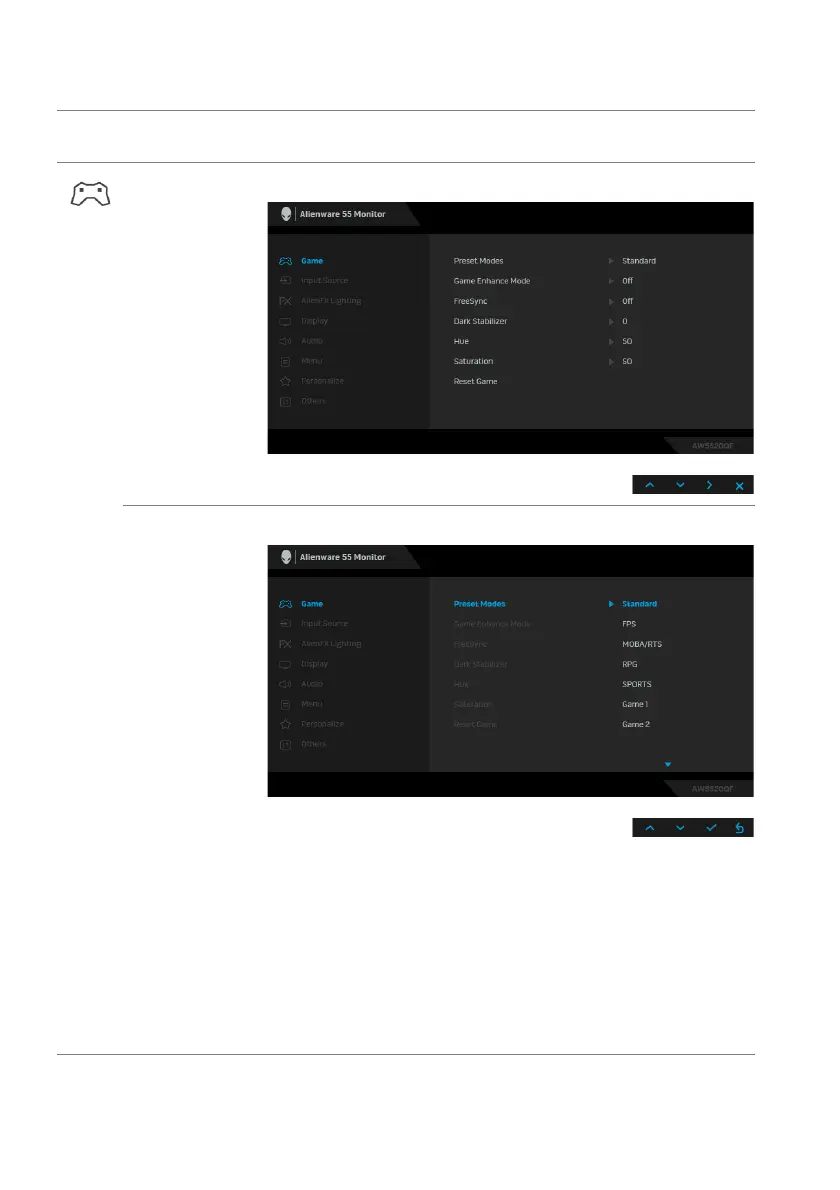
Game Use this menu to personalize your visual gameplay experience.
Preset Modes Allows you to choose from a list of preset color modes.
• Standard: Loads the monitor's default color settings. This is
the default preset mode.
• FPS: Lo
ads color settings ideal for First-Person Shooter
(FPS) games.
• RPG: Loads color settings ideal for Role-Playing Games
(RPG).
• MO
BA/RTS: Loads color settings ideal for Multiplayer
Online Battle Arena (MOBA) and Real-Time Strategy (RTS)
games.















 To Next Page