Operating the monitor | 59
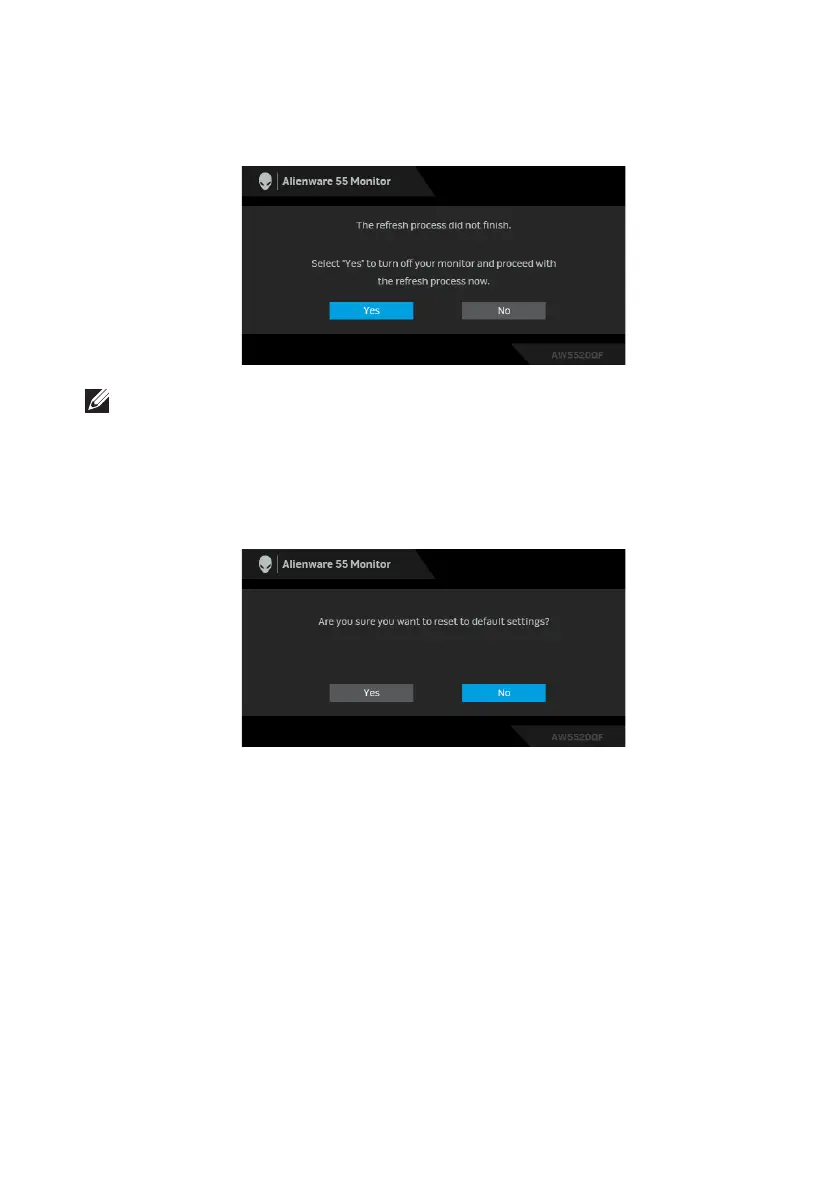
If you press any button other than the power
button on the monitor or remote
control during the process of running Pixel Refresh or Panel Refresh, the
following message appears:
NOTE: If you press the Power key on the monitor or remote control
during the process of running Pixel Refresh or Panel Refresh, the monitor
will be turned off. Next time when you turn on the monitor, the dialog box
shown above will reappear to notify you about continuing the refresh
process.
When Fa
ctory Reset is selected, the following message appears:
See Troubleshooting for more information.















 To Next Page