2827
5
Set Mode
■
MENU
q
Scan Type
There are 2 scan types: Normal scan and Priority scan.
• Normal scan searches all TAG channels in the selected channel
group.
• Priority scan searches all TAG channels in sequence while monitor-
ing Channel 16.
w
Scan Resume Timer
The scan resume timer determines the resume condition of the scan.
OFF : The scan pauses and monitors until the signal is gone.
ON : The scan pauses 5 seconds and resume scanning except that
the receiving signal is on CH16.
e
Weather Alert
NOAA broadcast stations transmit a weather alert tone to notify the
important weather information. Select ON to detect such alert and “WX
ALT” icon blinks until the radio is operated.
The last weather channel monitored is always checked during stand-
by or while scanning.
• “WX ALT” is displayed instead of “WX” when this function is acti-
vated.
r
Dual / Tri-watch
Select DUAL or TRIWATCH function according to your preference.
t
DSC Watch
PLEASE SELECT ON to operate DSC features properly.
DSC watch monitors Channel 70 while you are receiving another
channel.
If a distress signal is received on Channel 70, the radio monitors
Channel 16 and 70 alternately until the distress signal is gone. If a
signal is received on another channel, DSC watch pauses until the
signal disappears. This function may not be available for some chan-
nel groups due to dealer programming.
y
Beep Tone
Select OFF to mute the beep that sounds when you operate keys.
This parameter won’t aect alert beeps.
u
Automatic Acknowledgement
Select ON to reply Position Request call and Position Report call au-
tomatically in DSC operations.
i
Favorite Channel
Select OFF to use [
Y
]/[
Z
] keys on the microphone to select all chan-
nels.
Default is ON, and [
Y
]/[
Z
] keys select only TAG setting channels.
o
Time-out timer
Select ON to use a TOT. After 5 minutes elapsed, TOT cuts off the
transmission and prohibits transmission for 10 seconds as a time-out
penalty. This is to prevent useless long calls and unintentional trans-
mission by mistake.
6
Maintenance
■
TROUBLESHOOTING
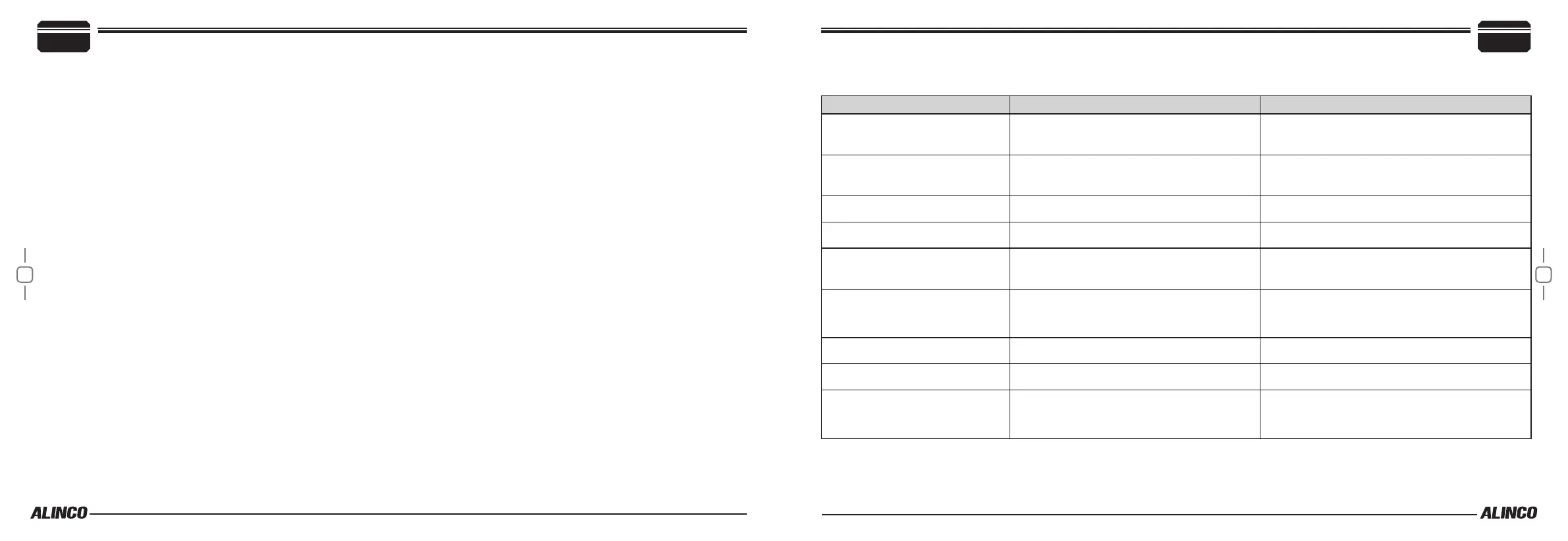
Following troubles are typical and you may check the radio, accessories and connections by yourself to x troubles before consulting your radio dealer.
Trouble Possible Cause Solutions
Can’t turn on.
1. DC cable has troubles.
2. The voltage exceeds 17V or below 9V.
1. Check DC cable connection, polarity and fuse.
2. Use proper power source of 13.8V
Unable to connect with GPS.
1. Hardware related
2. GPS format related
1. Check GPS setting and cable connections.
2. GPS format should be NMEA0183-2.0
Can’t scan TAG setting is incorrect. Set TAG channels.
Can’t transmit Receive-only channel Weather CH and CH70 can't transmit.
Can’t transmit high power
1. Lowpower-only CH is selected.
2. Low power output is selected.
1. Choose other channels.
2. Set High power.
Can’t talk on the same channel. A duplex channel is selected.
Observe a small A on the right of the CH number.
Select the same channel (i.e. 65 and 65A)
No beep Beep o Select ON in SET mode.
Can’t transmit a distress call. Programming is incorrect. Program the IDs correctly.
No sound from the speaker.
1. Squelch level too high.
2. Audio level too low.
1. Rotate [SQL] knob to adjust the squelch level.
2. Rrotate [VOL] knob to adjust the volume.
Please consult your dealer for technical assistance and details of programming.


 To Next Page