109
Basic Operations
4
■
Channel Selection
Channel 16 : IMPORTANT
Channel 16 is the distress and safety channel. It is used for establish-
ing initial contact with a station and for emergency communication.
Channel 16 is monitored during both Dual-watch and Tri-watch. While
in standby, you must monitor Channel 16.
1.
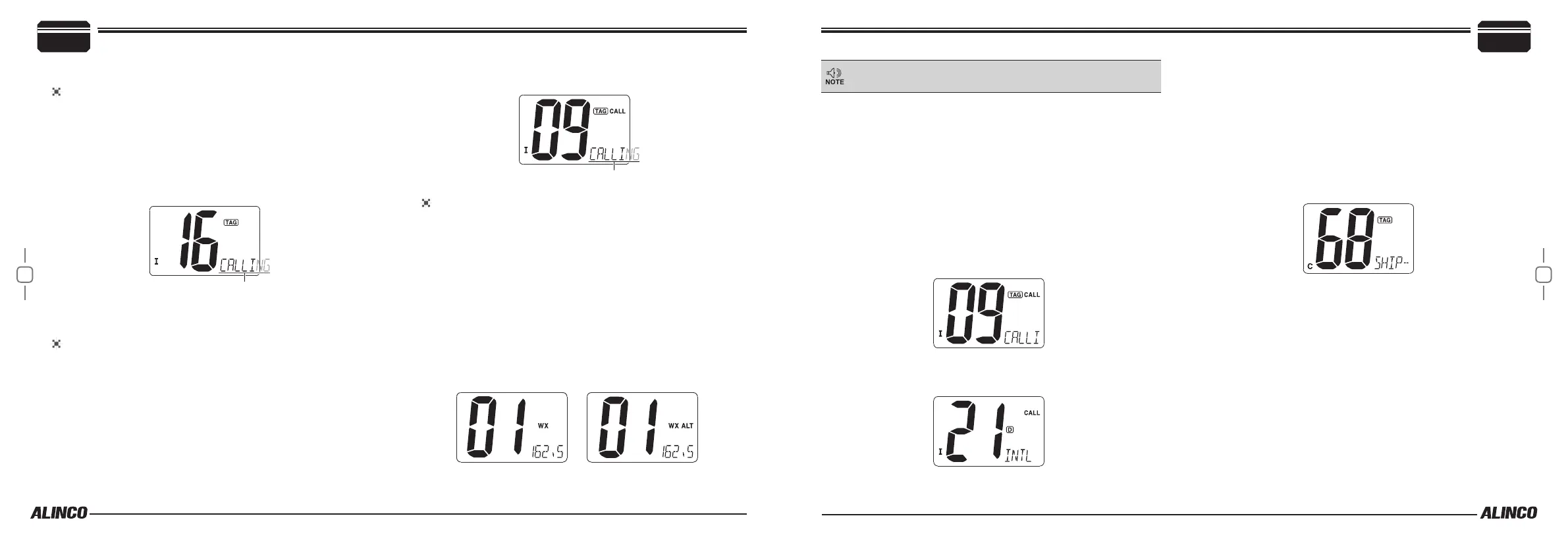
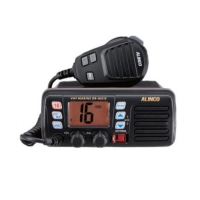
Press [16] to select Channel 16.
2.
Press [CH/WX] to return to the condition before selecting Channel
16, or Press [
Y
] or [
Z
] to select operating channel.
When TAG (favorite) channels are set, you may use UP/DOWN keys
on the microphone to select a channel.
Channel 9 (Call Channel)
Each marine channel group has a separate call channel for pleasure use.
The call channel is monitored during Tri-watch. This function can be
used also as a memory channel to store your favorite channel in each
channel group for quick recall.
Press [16] for 1 second to select the call channel of the selected
channel group. CALL and call channel number appears on the display.
Default setting is CH9.
• Press [CH/WX] to return to the previous channel, or use [
Y
]/[
Z
]
keys on the radio to change the channel to operate. There are oth-
er [
Y
]/[
Z
] keys on the microphone, so these keys are refered to as
[U/I/C] keys or [U/I/C] (either one) hereafter.
Weather Channels
10 weather channels are preprogrammed. While monitoring or scan-
ning WX channels, automatically detects a weather alert tone. When
Alert function is activated in the Set mode, WX ALT icon appears on
the display and it blinks when an alert tone is being received.
1.
Press [CH/WX] to select the weather channel group. “WX”is dis-
played.
• “WX ALT” is displayed when the Weather alert function is activated
in the Set mode.
2.
Press [
Y
]/[
Z
] to select a channel to monitor.
3.
Press [CH/WX] again to switch to the marine channels.
• The radio does not transmit on WX channels, and alarm beep
sounds when PTT is pressed.
When weather alert is OFF. When weather alert is ON.
4
Basic Operations
Weather channel related functions are usable only where the
NOAA weather station signals are available.
■
Call Channel Programming
You may replace a default CH9 to the channel of your preference.
1 CALL channel is available to all 3 marine channel groups for a quick
access to your favorite channel.
1.
Press both [U/I/C] keys several times to select the desired channel
group (U.S.A., International or Canada) to program the CALL chan-
nel.
2.
Press [16] for 1 second to display the call channel in the selected
group.
3.
Press [16] again for 3 seconds until beep is gone and the channel
starts blinking.
4.
Press [U/I/C] to select a channel to be stored.
5.
Press [16] to set, or press [CH/WX] to cancel.
■
Channel NAME
Memory channels can be labeled alphanumerically. Up to 10 combina-
tions of Capital letters, small letters except f, j, k, p, s, v, x, z, numbers 0
to 9, some symbols (=*+ - . /) and space can be used. In case the char-
acter exceeds 6, the display scrolls.
1.
Select the desired channel.
• Cancel Dualwatch, Tri-watch or scan in advance.
2.
While Pressing [CH/WX], Press [16] to edit the channel name.
• A cursor and the rst character start blinking alternately.
3.
Press [
Y
] or [
Z
] to select the desired character.
• Press [16] or [CH/WX] to move the cursor forward or backward re-
spectively.
4.
Repeat step 3 to complete the programming.
5.
Press [DSC] to set.
• Press [SCAN] to cancel.
The cursor and the character stop blinking.


 To Next Page