DLM-600 installer & user manual Rev. 1.3 16-11-2011 24 / 39
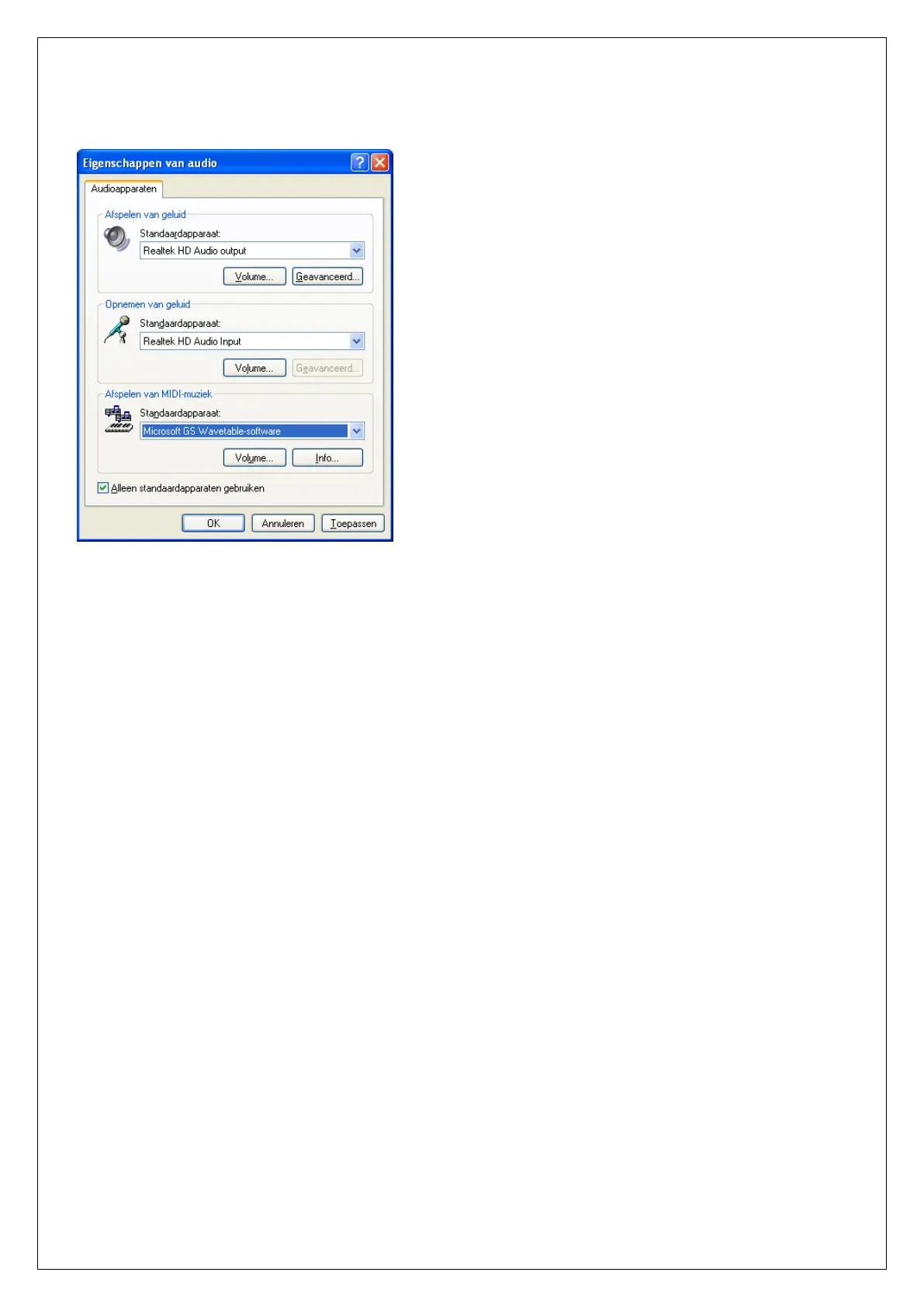
Settings for the integrated or connected microphone and speakers can be found in the control panel
screen under Sounds and Audio devices:
GENERAL
The DSP (voice) plug-on board for the DLM-600 is equipped with an audio DSP chip to play speech
messages. The print also contains a Micro SD memory card to store voice files. The Micro SD card
contains a number of standard speech messages and enough space to store custom speech messages.
To record or modify voice messages the DLM-600 must first be powered down, then remove the Micro
SD memory card from its holder on the DSP print. The Micro SD card can now be connected to your
computer / laptop using a USB to SD adaptor (art.code. 005720). The USB to SD adaptor is recognized
by Windows as a removable drive where files can be written to or deleted.
STANDARD SPEECH TEXTS
The Micro SD card contains a number of standard speech messages. The standard speech messages
can be used for ‘Input 1 to4’. It is also possible to use or record custom speech messages for Input 1 to
4.
GUIDELINES FOR RECORDING SPEECH TEXTS
When recording speech messages the following guidelines should be taken into account:
the DLM-600 supports only .wav files
.wav file should be recorded as 16-bits mono
the sample frequency should be 8, 16 of 22kHz


 To Next Page