EasyManua.ls Logo

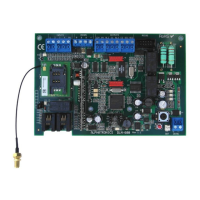
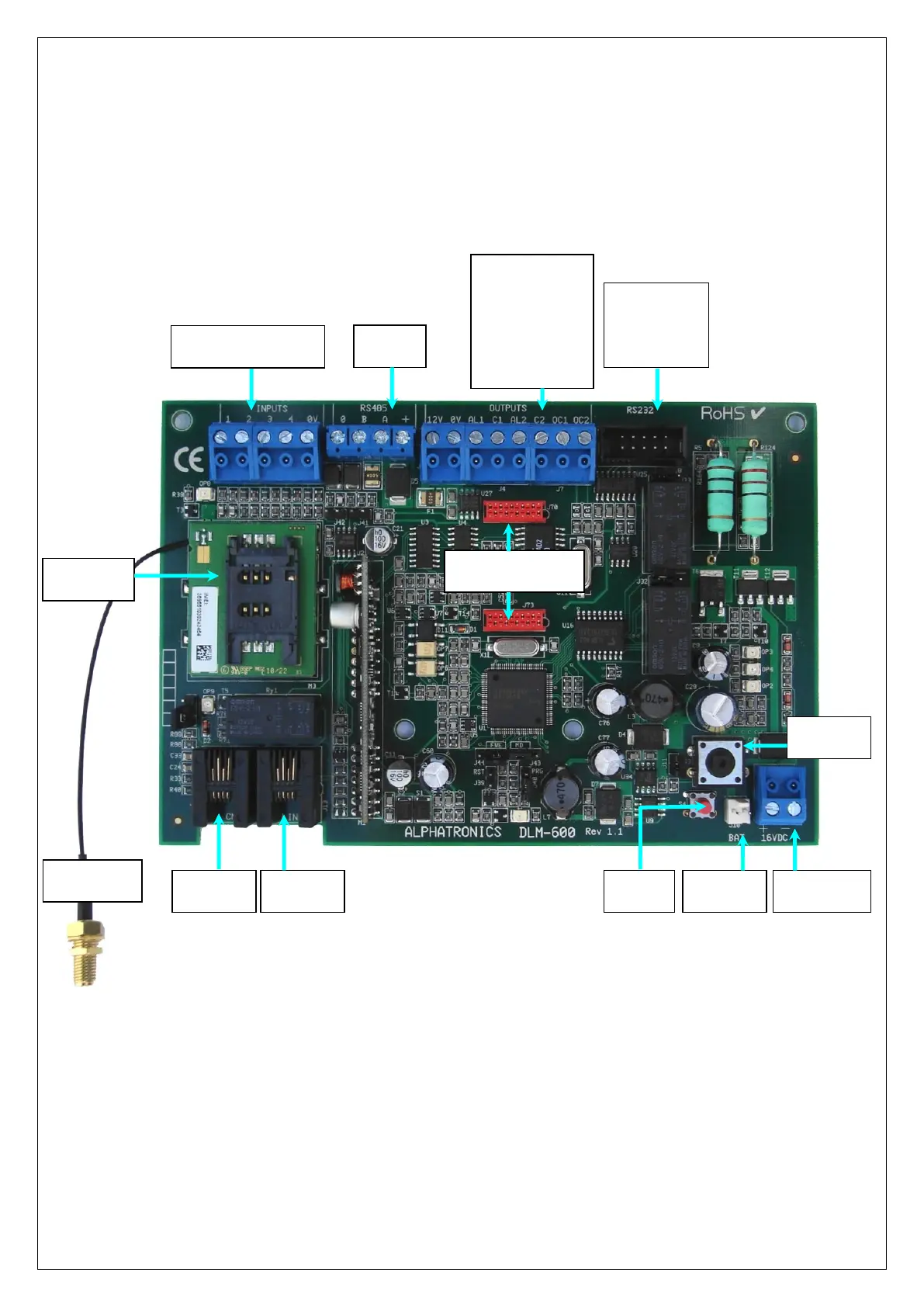
alphatronics DLM-600 - Figure 1. Connections and Buttons

alphatronics DLM-600
39 pages
Print Icon
To Next Page IconTo Next Page
To Previous Page IconTo Previous Page
Loading...
DLM-600 installer & user manual Rev. 1.3 16-11-2011 9 / 39
If the power fails or becomes too low, after a delay (default 30 minutes) a message will be sent to the
programmed telephone numbers. If desired the delay time for reporting a power failure can be modified
in the programming.
figure 1. Connections and buttons
4 x output :
12Vdc connection
0V connection
AL1+C1 relay 1
AL2+C2 relay 2
OC1 200mA O.C.
OC2 200mA O.C.
16VDC.
Power In
voeding
RS-232
connection
for
programming
Tel. line
connection
Bat. pack
connection
Tamper
switch
4 inputs (n.o / n.c.)
1x common (0V)
Dialer
connection
Connectoren t.b.v.
spraakprint
RS-485
bus
SIM card
holder
GSM antenna
connection

Table of Contents