ALPINE Direct: Turn off the mix source.
BT Audio: Th e mix source is BT A udio.
High.Level: T he mix sou rce is High .Level.
AUX: The mix source is AUX.
USB Audio: The mix source is USB Audio.
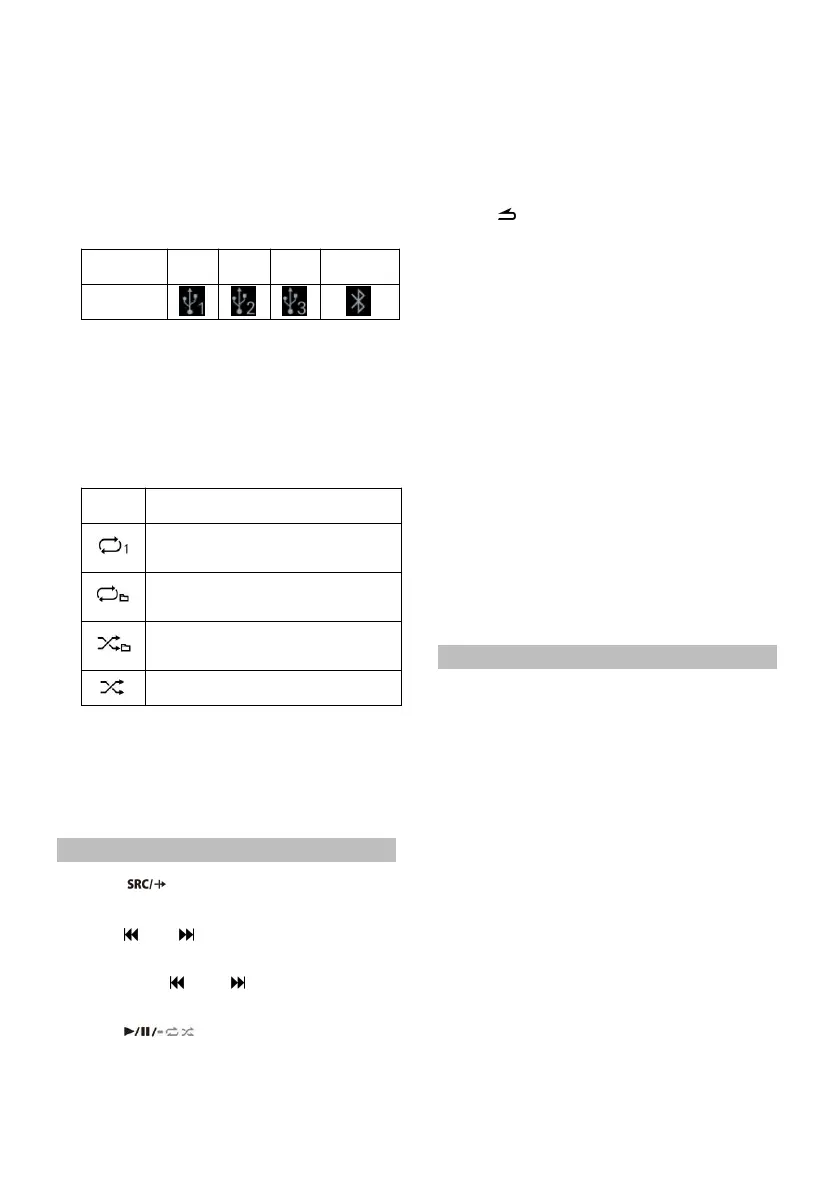
② Displa y th e current audio source.
USB, BT A udio, high level, AUX,USB Audio.
③ Input audi o source icon
⑧ Show total son g duration, playback
progress and current track numbe r/total
number of songs.
⑨ Show song information: song title, s inger,
lyrics, etc.
Play
1 Press to select th e USB mode by
default.
2 Press or to select the desired track
(file).
Long press or to rewind or fast
forward.
3 Press to switch between pause
and play.
4 Turn the knob to adjust the volume, increase
the volume clockwi se a nd decrease the
volume counterclockwise.
Press th e kn ob to ent er th e track sea rch
interface, you can cho ose USB1, USB2, USB3,
etc. to s elect songs to play, or turn th e knob
to ent er t he search list to search for the song
you want to play.
5 Press to return to th e previous level.
Depending on the files stored in the USB, it
may take some time to start playing.
The format of the file to be played will be
displayed on the screen duri ng playback .
When playing H i-Res files, the HR icon will be
displayed on the screen.
Any file protected by DRM (Digital Rights
Management) copy protection cann ot be
played on thi s machine.
When playing VBR (variable bit rate)
recorded documents, the playback ti me may
not be dis played correctly.
If there is tag information, the song
name/artist name/album name will be
displayed.
Unsupported characters are displayed with
"
" i nstead.
Search for t he S ong
The USB memo ry can hold man y songs.
Quickly find t he son g you want by s earching.
1 Press t he knob to enter the song list interface,
and select "Search" to start the search
mode.
2 Turn th e k nob to select the category list
"Artists", "Albums", "Songs", "Format",
"Date" or "Si ze".
1.1 Select Artists
*1
, short press to enter the
artist list, turn the knob to select the
desired artist, short press to enter the
song list.
1.2 Select Albums
*1
, sh ort press to enter the
album list, tur n t he knob to select th e
desired album, short press to enter the
song list.
1.3 Select Songs
*1
, short press to enter the
song list.



 To Next Page