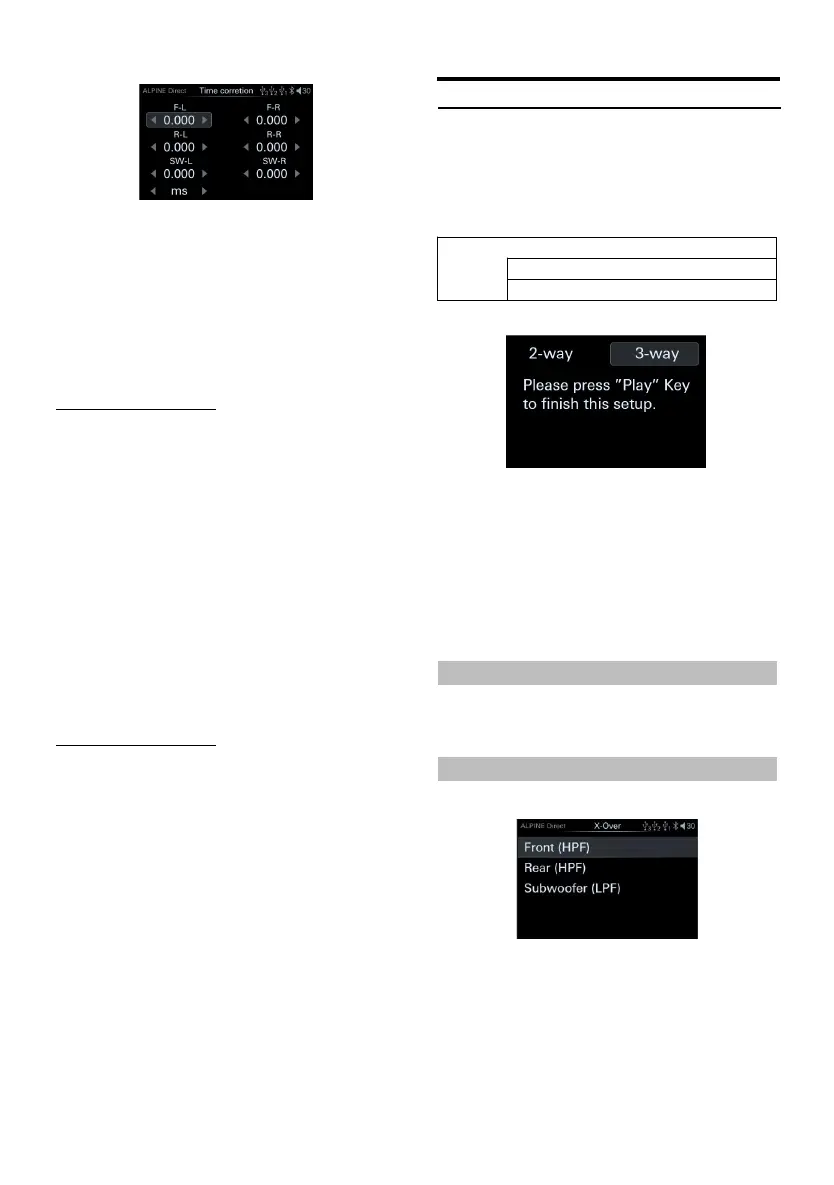
Time correction page
1 Rotate the encoder to select th e target item,
then short press the encoder to select the
target item to adjust.
2 Turn the encoder to th e left to select [<]
operation, a nd t urn th e encoder to the right
to s elect [>] ope ration.
Setting content: Delay /delay unit
Adjust the delay
Turn the encoder to select the speaker to be
adjusted, and then press theencoder sh ortly.
Setting items:
Front left speaker (F-L)/front right speaker
(F-R)/rear left speaker (R-L)/rear right
speaker (R-R)/left subwoofer (SW-L)/right
subwoofer (SW-R)
Setting content:
Milliseconds:0.000ms ~10.000ms
(0.01ms/set up)
Centimeter:0 ~346cm(0.3cm /setup)
Inch:0~136inch (0.1inch /setup)
Adjust the delay unit
Turn the encoder to adjust the distance or time
correction unit of the selected speaker, then
press t he encoder shortly.
Setting items:
Delay unit
Setting content:
Milliseconds/centimeter/inch
When the subwoofer mode is turned off, th e
left/right subwoofer cannot be adjusted.
The sum of the adjustment distances of all
speakers should be less tha n 510 cm/201
inches/15 milliseconds.
The time correcti on unit t hat can be sele cted:
ms (milliseconds)/cm (centimeters)/inch
(inches)
X-Over Settings
Before performing th e following steps, refer to
"About Frequency Dividers".
Select [X-Over] from t he sound setting page.
Refer to step 1 of "Sound Settings" (page 12).
<Setting item>
Frequency divider switch page
1 Press and hold a song, play/pause, an d the
previous song to call out the crossover
switch, turn the encoder to select, and then
short press the encoder to enter th e selected
crossover page.
Setting content:
Divider switch 2-way/3-way
Frequency Switch ing
Setting items:Divider switchin g
Setting content:2-way/3-way
2-way Frequency
2-way frequency page
Setting items:
Front speakers/rear speakers/subwoofer
Setting content: Frequency/slope



 To Next Page