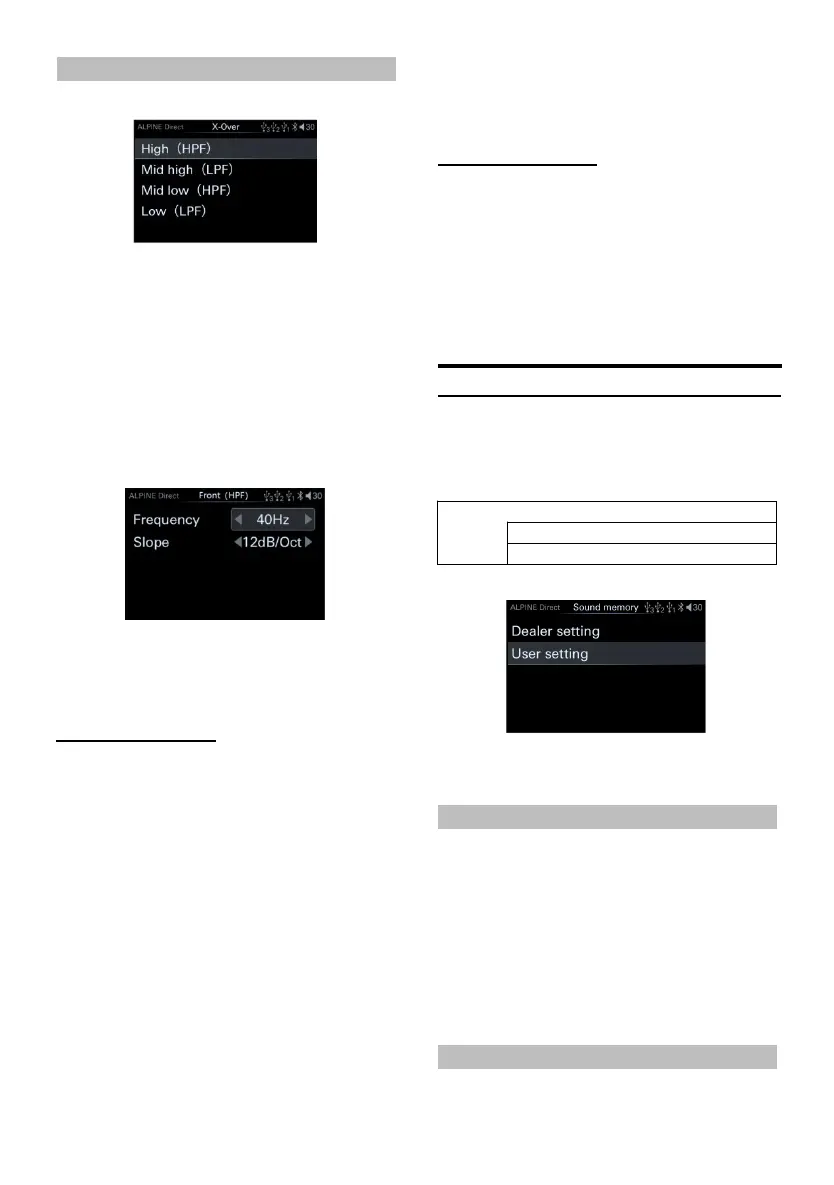
3-way freque ncy
3-way page
Setting items: Treble/Mid High Pass/Mid Low
Pass/Bass
Setting content:Frequency/slope
2 After selecting the corresponding frequency
division, turn the kn ob to select the target
item, then sh ort press the knob to s elect th e
target item to adjust, and enter th e
frequency di vision and slope .
adjustment page.
3 Turn the encoder to th e left to select [<]
operation, a nd t urn th e encoder to the right
to s elect [>] ope ration.
Adjust frequency
2-way freque ncy
Setting content:
Frequency:20/25/32/4 0/50/63/8 0(initia l
setting)/100/125/160 /200(Hz )
3-way freque ncy
Setting content:
Woofer/Mid-range low-pass speaker*:
20/25/32/40/50 /63/80/10 0/125/160/2 00/250/
315/400/500 (initi al setting)/630 /800 (Hz)
Mid-range high-pass speaker:
20/25/32/40/50 /63/80/10 0/125/160/2 00/250/
315/400/500/6 30/800/1k/
1.2k/1.6k/2k/ 2.5k/3.2k/4 k/5k (initial setting)/
6.3k/8k/10k/1 2.5k/16k/20 k (Hz)
Tweeter:
1k/1.2k/1.6k/ 2k/2.5k/3 .2k/4k/5k(i nitial
setting)/6.3k/8k/10k /12.5k/16k/ 20k (Hz)
Adjust the slope
Setting content: 6/12 (initial setting)/18/
24/30/36/42 /48 (dB/Oct.) or off.
When the subwoofer mode is turned off, the
subwoofer cannot be adju sted.
The cut-off freque ncy setting value of the
mid-woofer speaker cannot be higher than
that of the mid- an d tweeter speaker.
Sound m emory
Select [Sound memory ] from t he sound s etting
page. Refer to step 1 of "Sound Settings" (page
11).
<Setting item>
Sound settings storage page
Setting content:
Dealer settings/User settings
Dealer Settings
After purchasing an d installing this product at
the designated Alpine authorized dealer,
professional technicians will debug and store
the parameters related to the sound setting to
the "Deale r settings" for you.
1 Turn t he encoder to s elect "Dealer Settings",
and then short press the encoder to recall
the a djusted sound setting parameters.
User Settings
In addition to "Dealer settings", if you have



 To Next Page