devices. If the distance between the devices is
within 10 meters, Bluetooth t ransmission can
be carried out in the unlicensed 2.4GHz
spectrum.
Depending on th e Blu etooth version,
Bluetooth compatible devices may not be
able to communicate with this unit .
It is not guaranteed t hat th is machine can be
used with all Bluetooth compatible devices.
For the operation of Bluetooth compatible
devices, please consult your Alpine dealer or
visit the Alpine website.
Depending on the environment, t he
Bluetooth wireless connection may be
unstable.
Depending on t he connected Bluetooth
compatible device, this fun ction may be
different. Please also refer to th e user
manual of the connected device.
When using t he mo bile phone Bluetooth to
search for t his unit, the s earch name is
"HDS-9 90-XXXXXX".
Connect Bluetooth
When the host is powered on for the first time
and the Bluetooth is not connected to any
device, you need to wait for the pairing
connection on the mobile phone. Directly
search for "HDS -990-XXXXXX" through th e
mobile phone background to connect. XXXXX X
is a 6-digit random code, for example:
HDS-990 -A00414.
1 Turn on the Bluetooth functi on of the mobile
phone.
2 Search for pairab le dev ices in the backg r
ound of the mobile ph one , and select "H
DS-990-XXXXXX" for pairing.
3 After the pairing is successful, long press the
knob to ent er the setting in terface → General
→ Bluetooth (refer to "Sound Settings" for
detailed operation). Press "Bluetooth" to
enter the interface a nd displ ay "Connected".
4 To disconnect th e Bluetooth connection,
short press th e knob "Connected" to prompt
the user to "confirm to disconnect
Bluetooth", short press again to confirm th e
disconnection, and display "Not connected"
after disconnection. After disconnection, if
you n eed to connect a gain, you need to go to
step 2.
Only one Bluetooth-compatible device can
be paired, and two Bluetooth-compatible
devices cannot be connected at the same
time.
Bluetooth Music
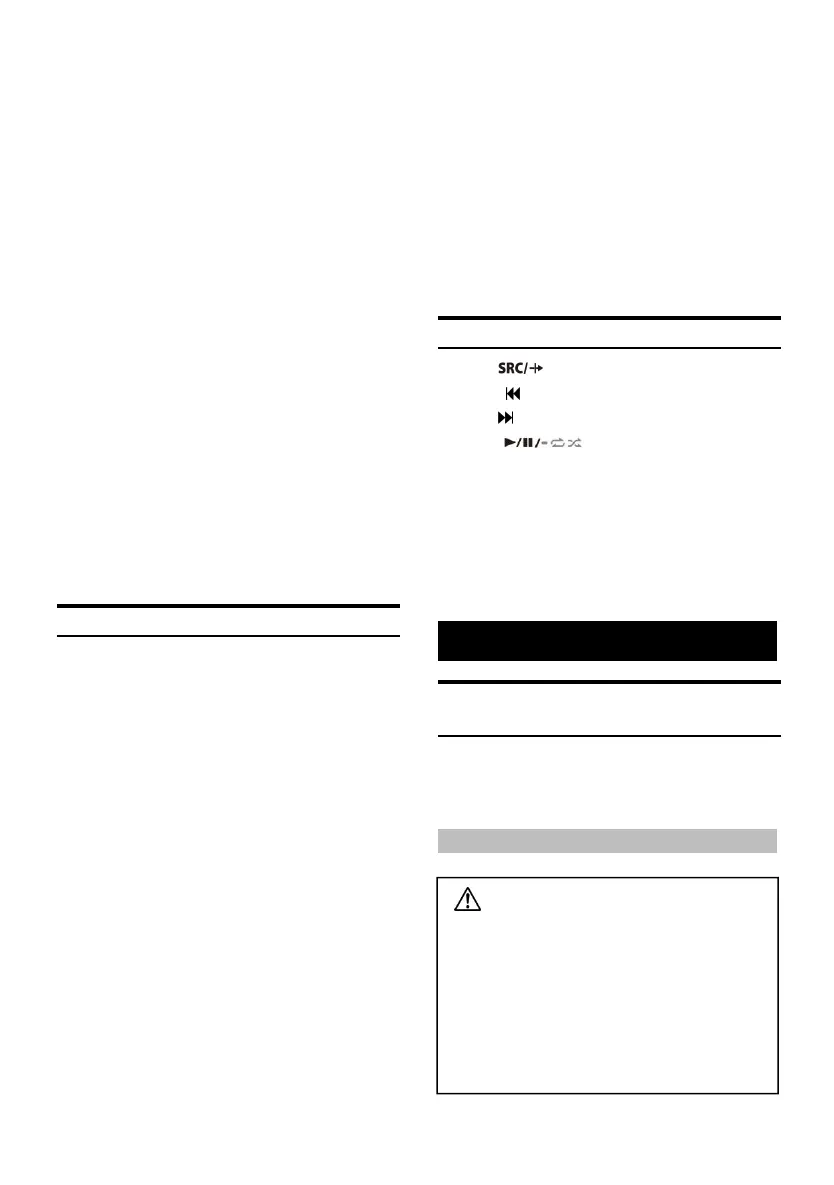
1 Press to select Bluetooth audio.
2 Press to select the previous song.
3 Press to select the n ext song.
4 Press to switch between pa use
and play.
This operation differs depending on the
connected devi ce.
This machine has an independent memor y
function for the volume adjustment of the
Bluetooth music signal source.
Information
About the Formats Supported by this
Nnit
For a list of playback formats suppo rted by USB,
please refer to "About USB playback formats"
(page 24).
About MP3/WMA/AAC/M4A/WAV/FLAC/APE/DSD
Notice
Except for personal use, copyright law s and
international conventions prohibit copying
audio da ta (including
MP3/WMA/AAC/M4A/WAV/FLAC/APE/DSD
data), or distributin g, transmitting or
copying without the permis sion of th e
copyright owner , Regardless of free or
charge.



 To Next Page