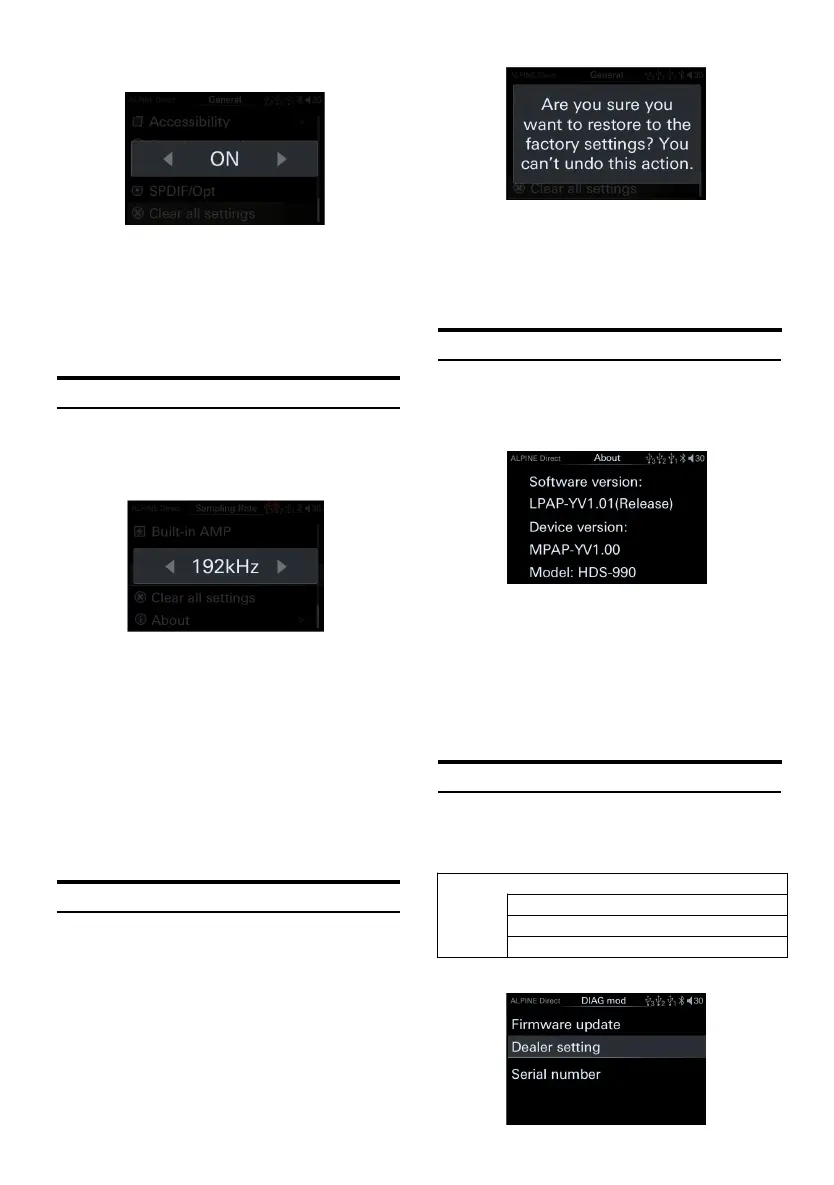
SPDIF/Opt switch page
1 Turn the encoder to the left to select [<]
operation, a nd t urn th e encoder to the right
to s elect [>] ope ration.
Setting items: SPD IF/O pt switch
Setting content: OFF/ON (Init ial setting)
Sampling Rate Settings
Select [Sampling Rate] from th e general page.
Refer to step 1 of "General Settings" (page 18).
System sa mple rate settings page
1 Turn the encoder to the left to select [<]
operation, a nd t urn th e encoder to the right
to s elect [>] ope ration.
Setting items: System sample rate setting
selection
Setti ng conten t: 19 2k Hz( In it ia l settin g) /4 4.
1kHz
After switching the system samp le rate, the
system will restart.
Clear all Settings
Select [Clear all Settings] from the general page.
Refer to step 1 of "General Settings" (page 18).
Clear all settings page
After the factory settings a re restored, all the
setting i tems will be restored to the factory
default settings except for the debu gged
"Dealer S ettings" mode.
About
Select [About] from the general page. Refer to
step 1 of "General Settings" (page 18).
About page
Here you can confirm the version of th e
machine and other in formation. After s electing
"About", you can view the followin g
information.
Software version/device version/machine
name
DIAG Mode
Select [DIAG mode] from the general pa ge.
Refer to step 1 of "General Settings" (page 18).
<Setting item>



 To Next Page