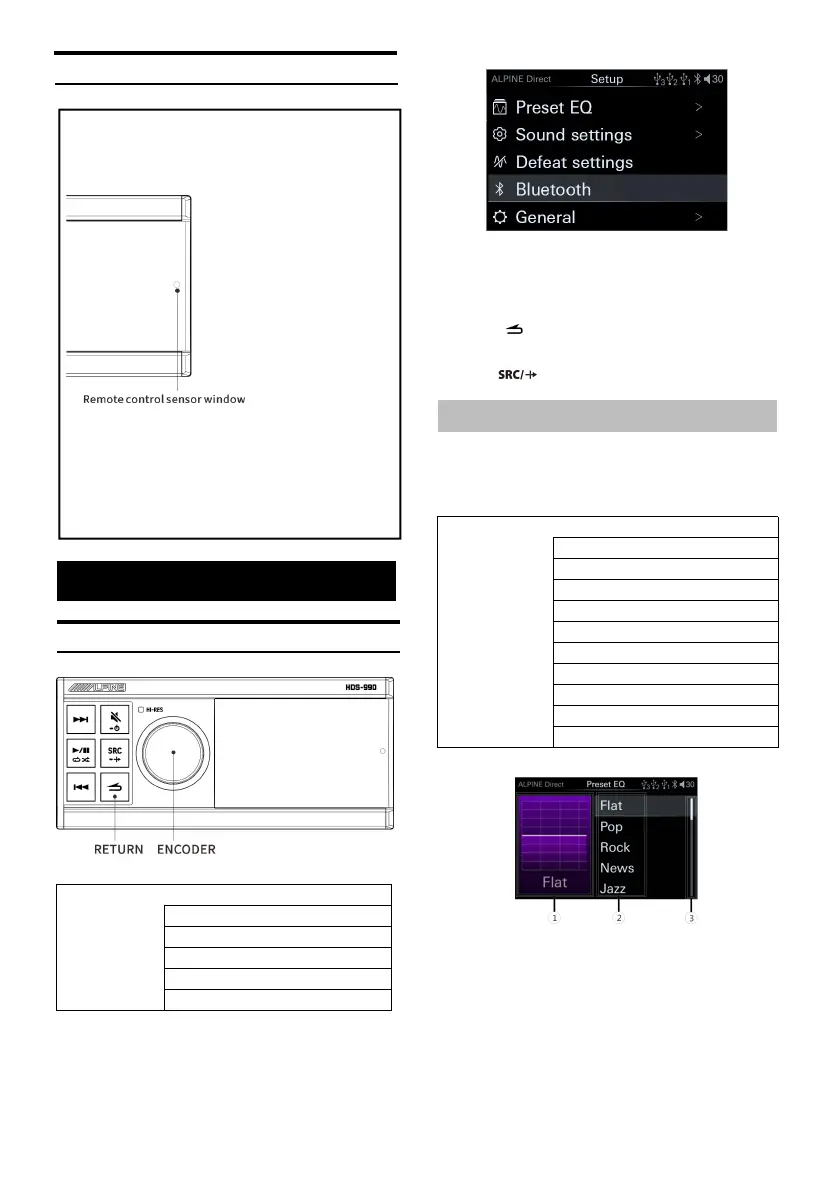
Remote Sensing
Setup
Setup Operation
<Setting item>
1 Long press the encoder for at least 2 seconds
to en ter th e setting i nterface.
2 Turn the encoder to select the setting i tem,
and then short press the encoder to enter
the n ext layer.
3 Press to return to the previous menu
mode.
4 Press to release the s etting mode.
Preset EQ S ettings
Select [Preset EQ] from the main settings page.
Refer to step 2 of "Setup Operation" (page 12).
<Setting item>
Preset EQ page
① Displa y th e current sound .
② List of sound.
③ Scroll up an d down to select sound.
1 On th e preset EQ page, rotary encoder to
select the desired EQ preset;
2 Sh ort press the encoder to recall t he EQ
preset.
Use the optional remote control for control.
Point the remote control transmitter to the remote
control sensor window.
Can be connected to the remote control interface box
Through the optional Alpine steering wheel remote
control interface box, the vehicle steering wheel
controller can be used to control the machine. Please
contact your Alpine dealer for details.



 To Next Page