31
Privacy Mode
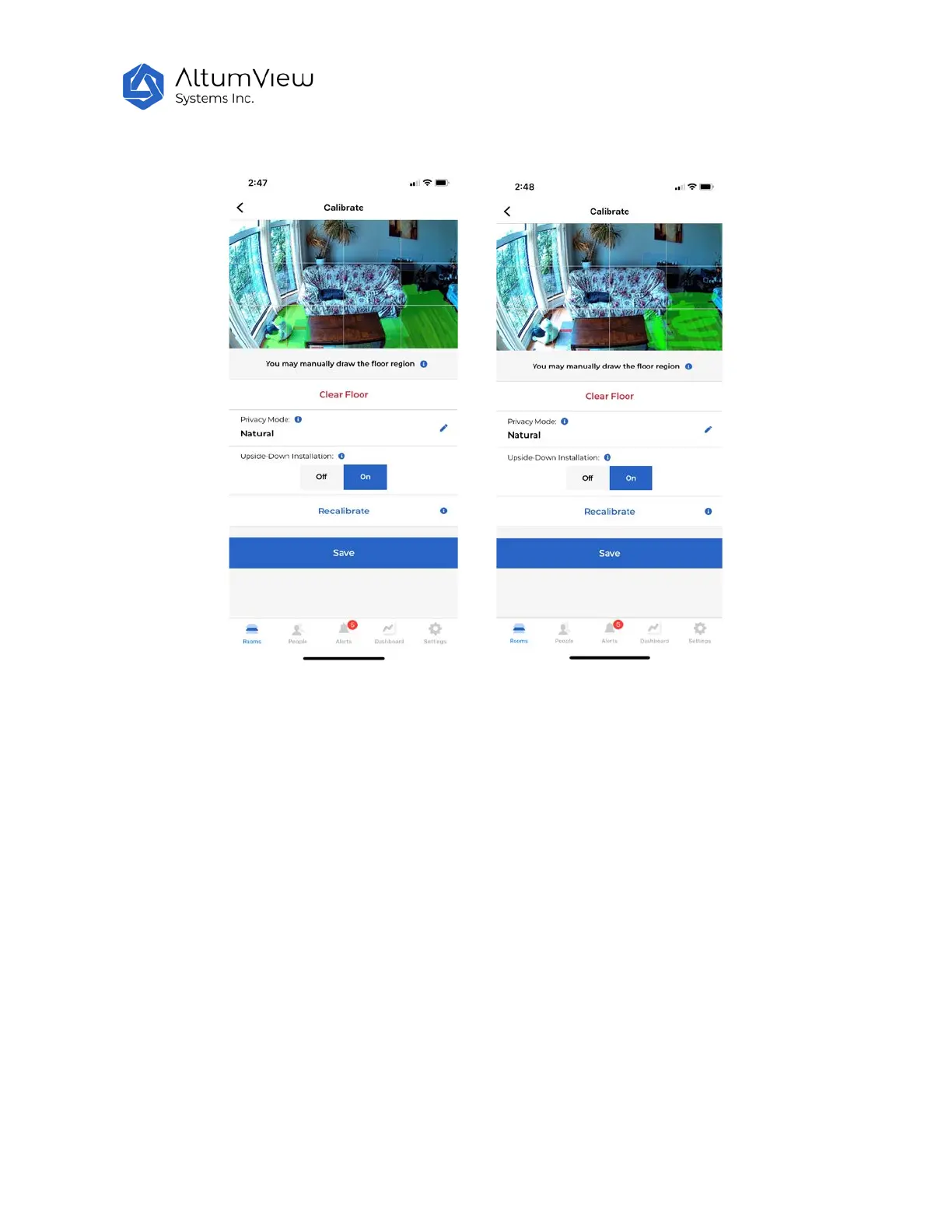
In the “Calibrate” page, there is a “Privacy Mode” switch, where user can change the privacy mode of
the device’s background image.
The background image of each sensor can be set to “Natural” (default) or "Private" mode. When set to
“Natural”, the original background image will be shown during streaming and in the alert messages.
When set to “Private”, only the black/white edge information of the background image is shown during
streaming and in the alert messages, as shown by the figures below. This can hide some details of the
room and protect user’s privacy.
When the background image mode of a sensor is changed, to make the change effective, users have to
re-calibrate this sensor to update the background.
The Privacy Mode switch is also available in the sensor page. See Sec. 4.2.12. If you plan to add a batch
of sensors in the privacy mode, then before entering the Calibrate page, you can set the Privacy Mode
switch to Private in the sensor page. This ensures the first background image automatically captured in
the Calibrate page is in the private mode, and there is no need to recalibrate.



 To Next Page