74
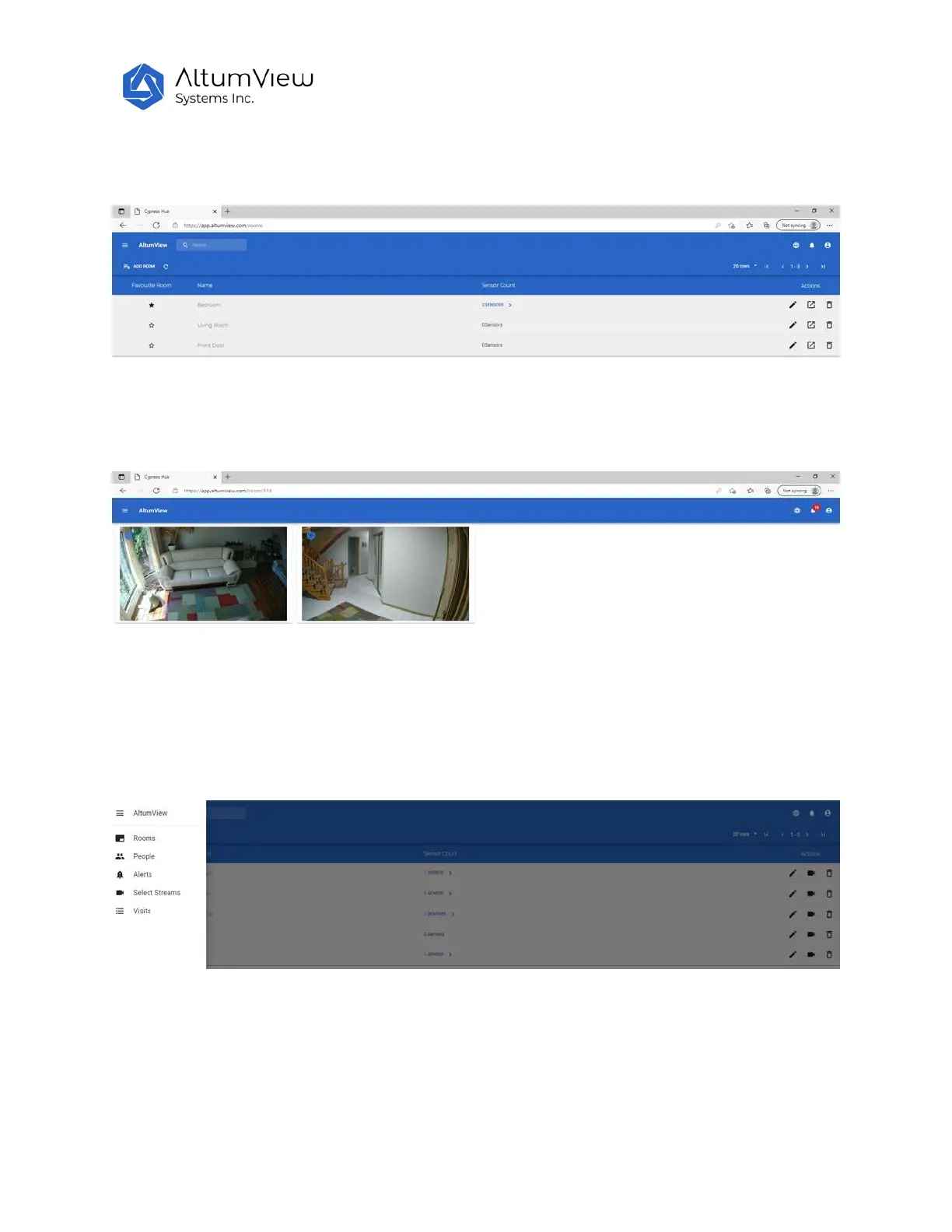
After login, the following Room page will be displayed, where users can go to each room, and also
change the name of a room by clicking the pencil icon.
Clicking the icon next to the pencil, users can display the real-time streamings from all devices in that
room, as shown below.
Users can select the language of the page by clicking the globe icon on the top right corner of the page.
Clicking the menu icon in the upper left corner, users can switch to other pages, including People, Alerts,
Select Streams, and Visits (the entrance/exit records defined in the Region of Interest page of the
Sentinare app), as shown below.
10.2 People
Click on the “People” in the menu will display all the people in the account. The list is the same as that in
the Sentinare mobile app.



 To Next Page