75
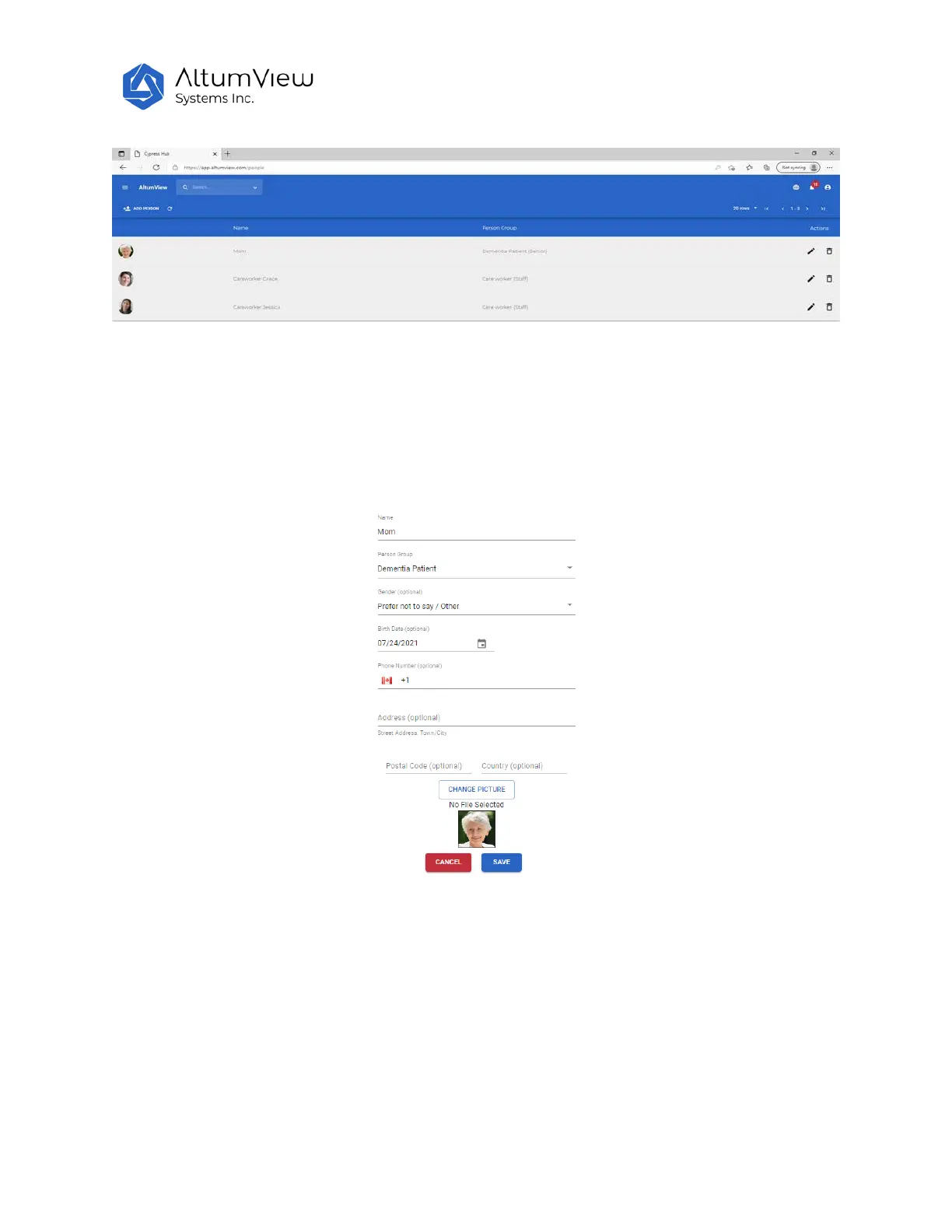
Users can add new person here by clicking “Add Person”. On the popup window, input new person’s
name, person group, gender, birth date, phone, and address, then upload one picture, and click “Save”
will create a new person. This new person will also appear on the Sentinare mobile app’s “People” list.
Users can also delete a person in the “People” page by clicking the garbage can icon at the right end of
the person’s record. The deleted person will also be deleted from the Sentinare mobile app.



 To Next Page