47
5.People Management
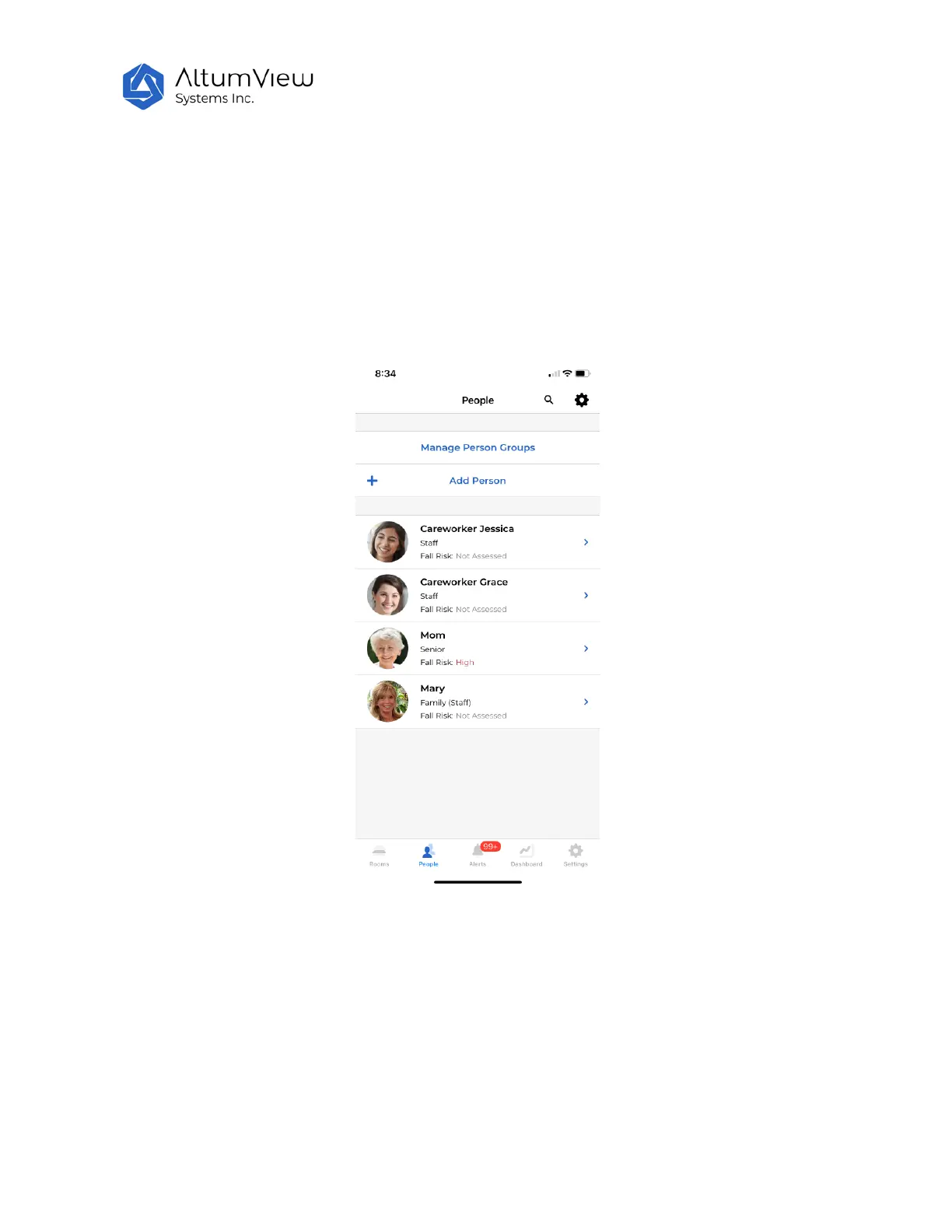
Tap on "People" at the bottom of the page to enter the "People" page. This page can define Person
Group, add persons to the account (such as seniors, family members, and care workers), enter
information of each person, and perform Fall Risk Assessment for a person.
The summary of numbers of people in different groups can be viewed in the Dashboard page (Sec. 8).
5.1. Manage Person Groups
To facilitate people management, the system allows users to define different Person Groups. Each
person must be assigned to a person group.
User can see all the existing person groups by tapping the “Manage Person Groups”. By default, three
person groups are pre-defined: Senior, Staff, and Visitor.



 To Next Page