25
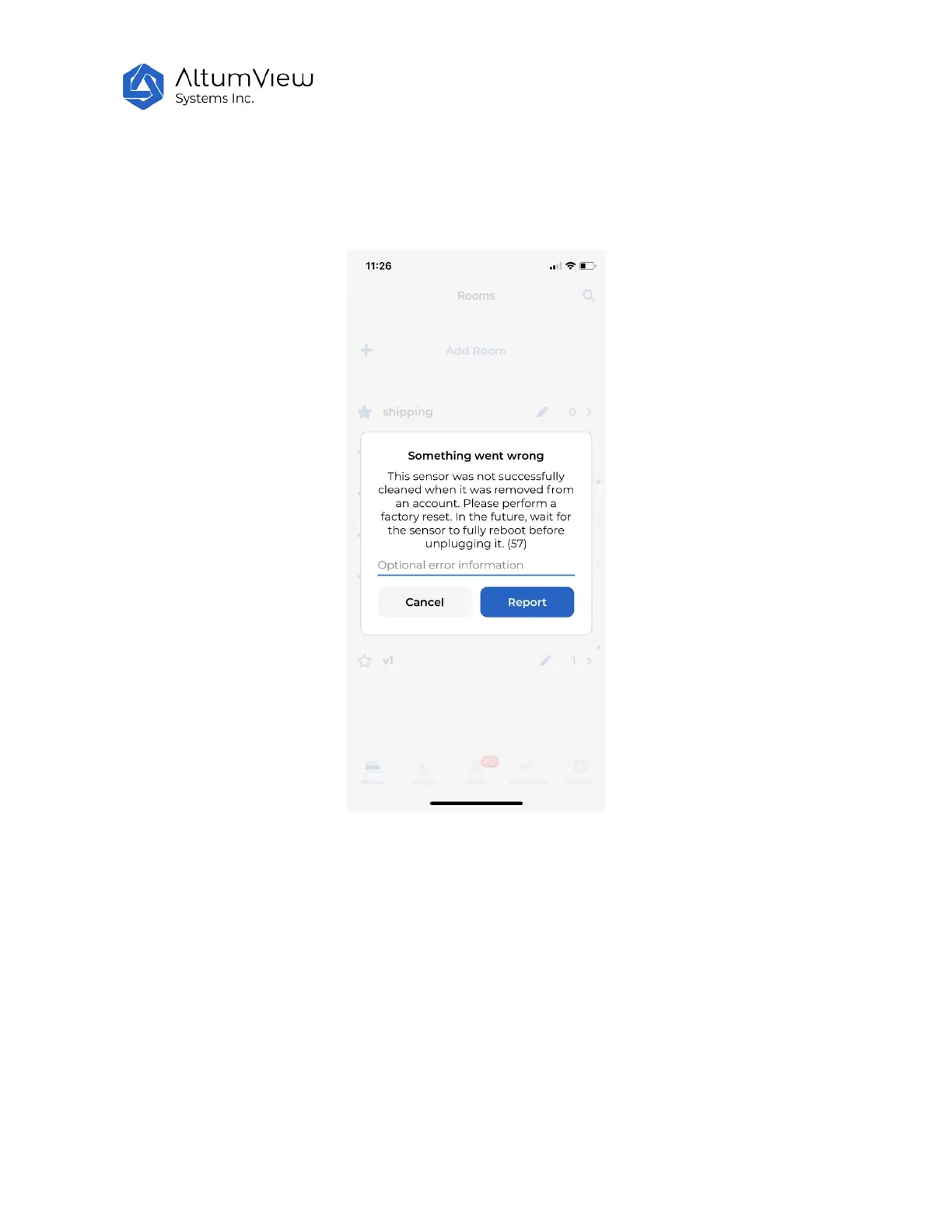
It is better to remove a sensor from an account when the sensor is online. Otherwise if a sensor is
removed when it is offline, the sensor has to do a factory reset, before it can be added to another
account, as shown by the following image. Please refer to Sec. 4.2.11 Remove Device for details.
4.1.2 Set Up WiFi
After adding a sensor to a room, the App will set up the WiFi for the sensor. The sensor will first scan
and list available WiFi networks. A sound will be played during the scanning.
Note that for security reasons, in order to set up the WiFi, users must be within 5 meters of the sensor,
and turn on the Bluetooth of the phone.
For the same reasons, only secure networks that support WPA2-PSK protocol are supported and listed
by the Sentinare App. These networks need a password to access. Unsecure protocols such as Open,



 To Next Page