76
10.3 Alerts
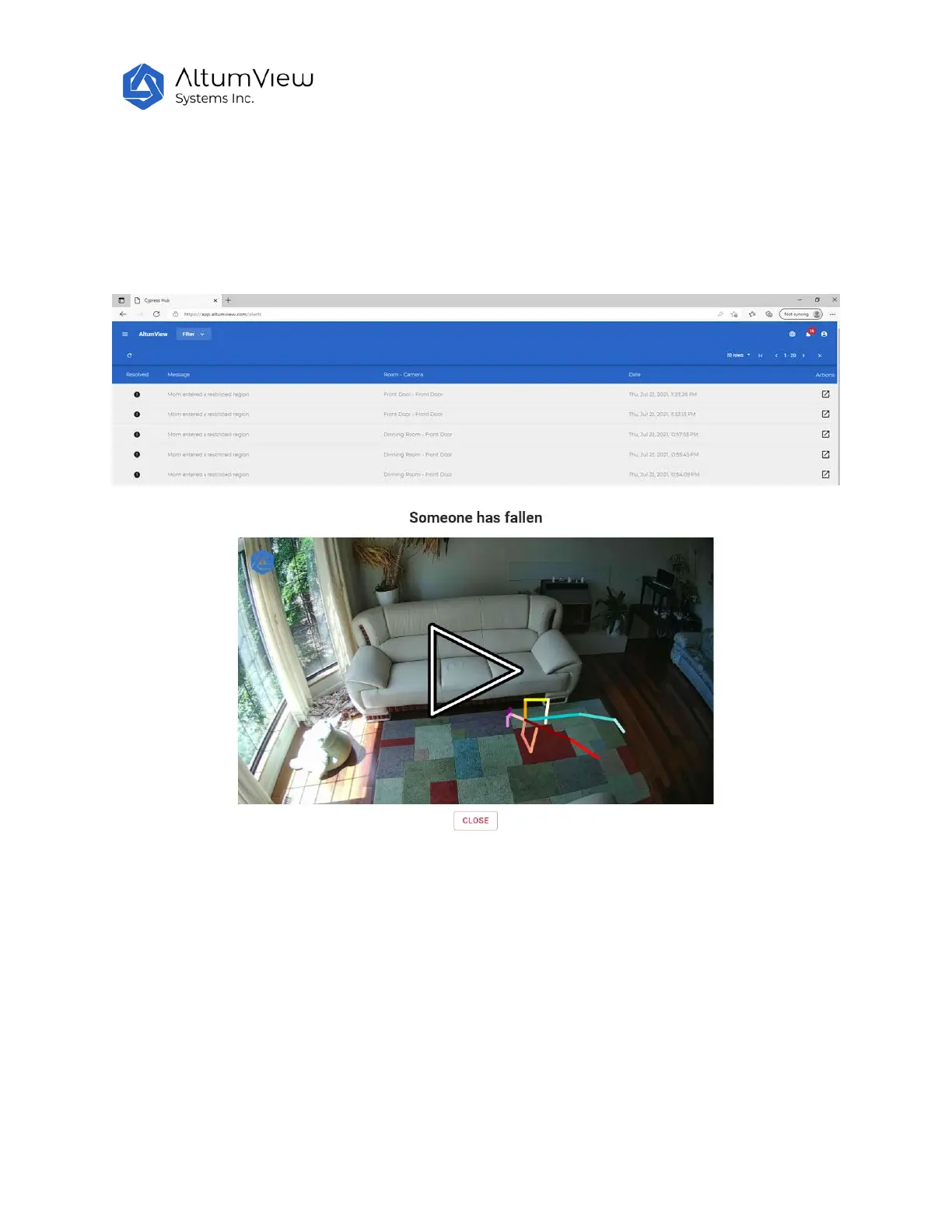
In the menu, click on the “Alert” option, or the bell icon on the top right corner of the web page, all the
alerts in the account will be listed. The alert list is the same as that shown in the Sentinare mobile App.
Users can use the “filter” button on the top of the page to filter the alerts, or play the alert clip by
clicking the icon under the Actions, as shown below.
10.4 Select Streams
In the menu, click Select Streams, users can select up to 12 sensors from different Rooms, then click the
Start Streams command in the upper right corner. This will display the real-time views from the selected
sensors in the same page.



 To Next Page