BAG0217.9 06.22
Switching from the speed simulator to the
distance sensor
Shutter must be closed.
1.
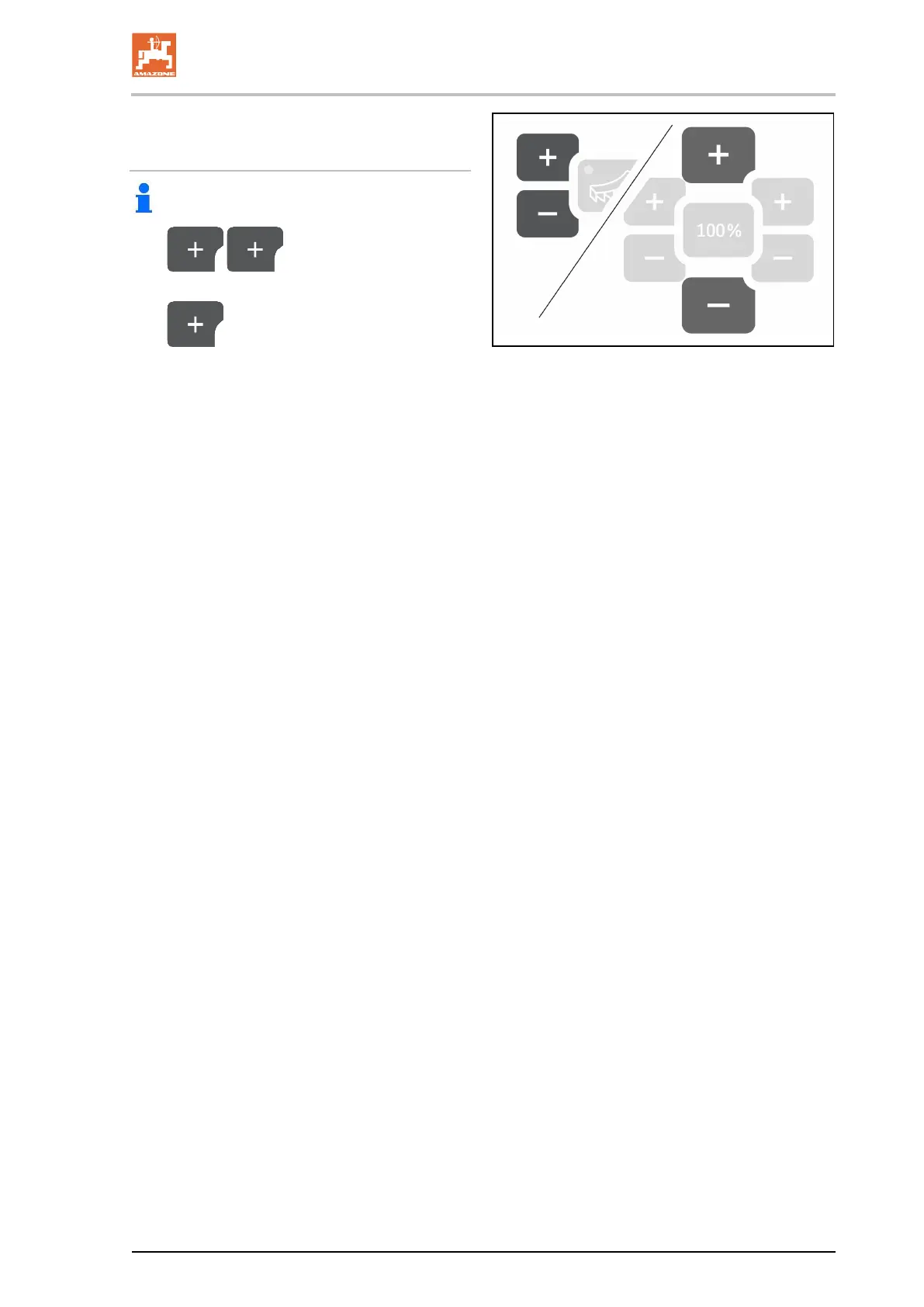
Press until the speed
simulator display reaches 30 (km/h).
2.
Press until the display changes
from 30 (km/h) to 250 (pulses).
→ The pulses per 100 m can now be entered.
→ Speed-proportional metering active
→ Speed simulator not active





 To Next Page