BAG0217.9 06.22
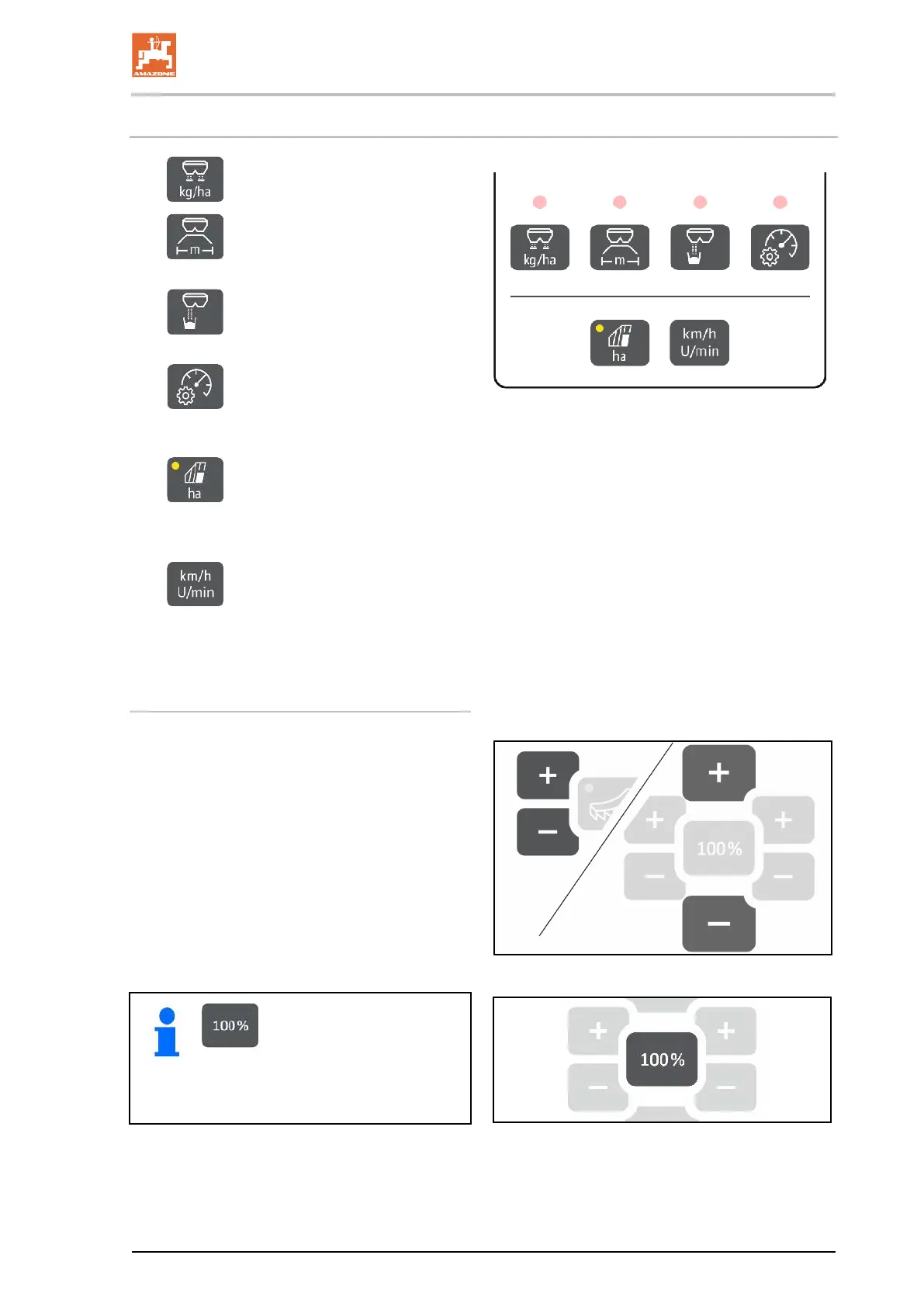
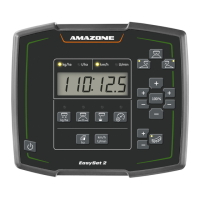
1.3 Adjustment buttons
• Adjust the spread rate
•
Adjust the working width, according
to the setting chart and spreading disc
•
Determine / set the calibration
factor
•
Select the simulated speed. Cali-
brate the distance sensor, enter the pulses
per 100 m.
•
Display of the daily output in ha
→ Press and hold the button to reset the daily
output
•
No function!
The LED lights show the selected setting.
Changing the setting values
In the active Setting menu, the setting values can
be changed using the marked +/- buttons.
By pressing and holding the +/- buttons, the val-
ue changes rapidly.
Set values are automatically saved.
Go back from the Setting
menu to the work display using the
100% button.




 To Next Page