EasySet 2 BAG0217.9
2.5 Simulated speed / distance sensor
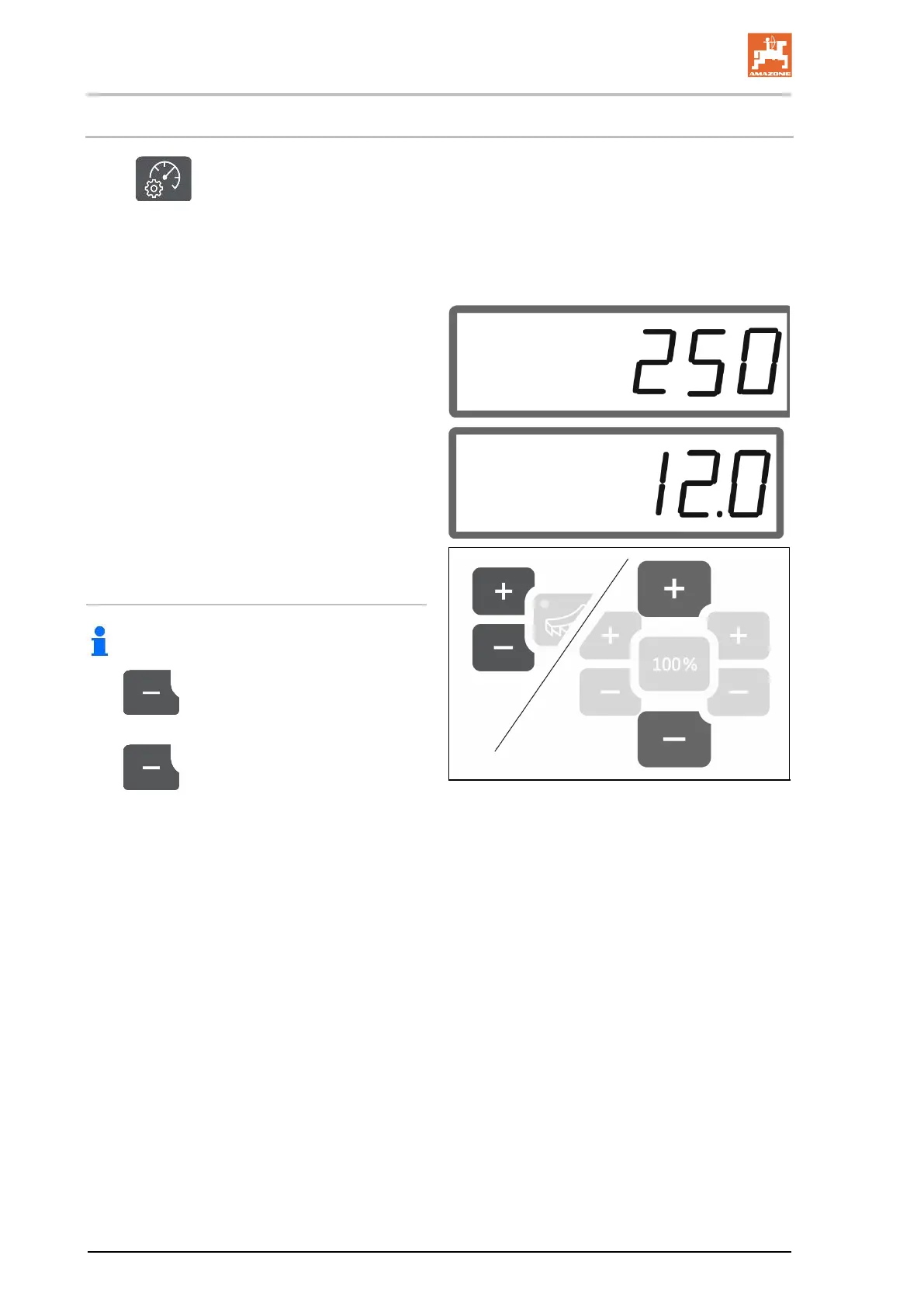
Select .
→ Depending on the last entered setting, the
value for the pulses per 100 m or the value
for the simulated speed will be displayed.
Pulses per 100 m display:
→ Possible values from 250 to 350.
Display of the simulated speed:
→ Possible values from 2 to 30 km/h.
Switching from the distance sensor to the
speed simulator
Shutter must be closed.
1.
Press until the distance sensor
display reaches 250 (pulses).
2.
Press until the display changes
from 250 (pulses) to 12 (km/h).
→ The desired speed can now be entered.
→ Speed simulator active
→ Speed-proportional metering not active





 To Next Page