BAG0217.9 06.22
5 EasySet 2 configuration
When the on-board computer is replaced, it must
be configured.
Configuration is performed by setting the modes.
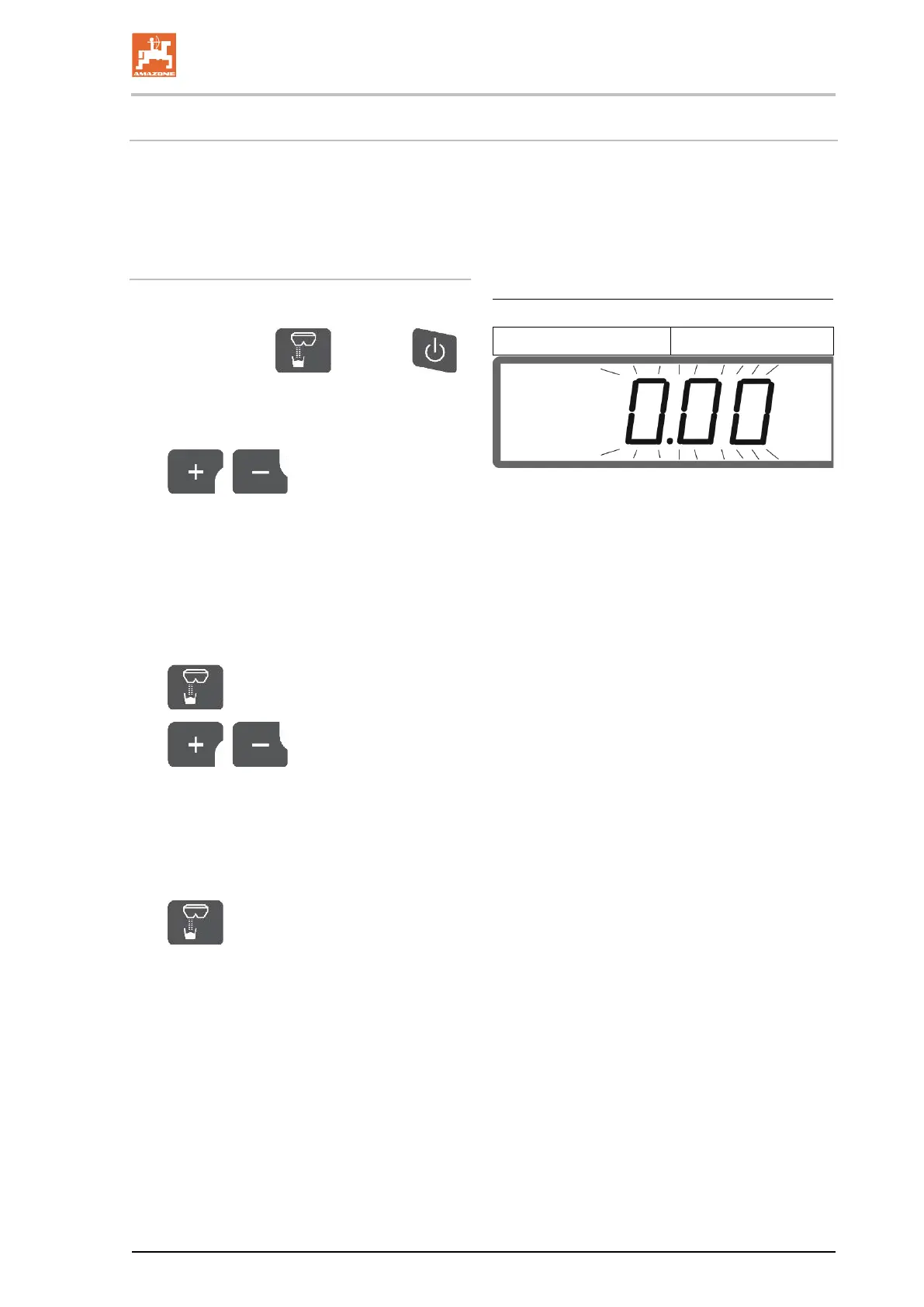
1. Press and hold , and press
at the same time and hold until the display
briefly shows ConfF.
→ Modes are shown flashing, LED flashes.
2.
, Select implement mode
(1).
• 0 - Delivery status spare part
• 1 - ZA-M
• 2 - ZA-V
• 3 – ZA-X
3.
Save implement mode.
4.
, Select boundary
spreading device mode (2).
• 00 – No boundary spreading
• 01 – Hydraulically operated limiter with po-
sition sensor
• 02 – Electrically operated limiter
5.
Save boundary spreading device
mode.
→ EasySet is automatically switched off.





 To Next Page