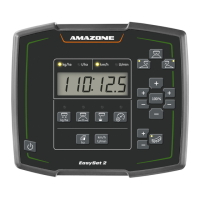
EasySet 2 BAG0217.9
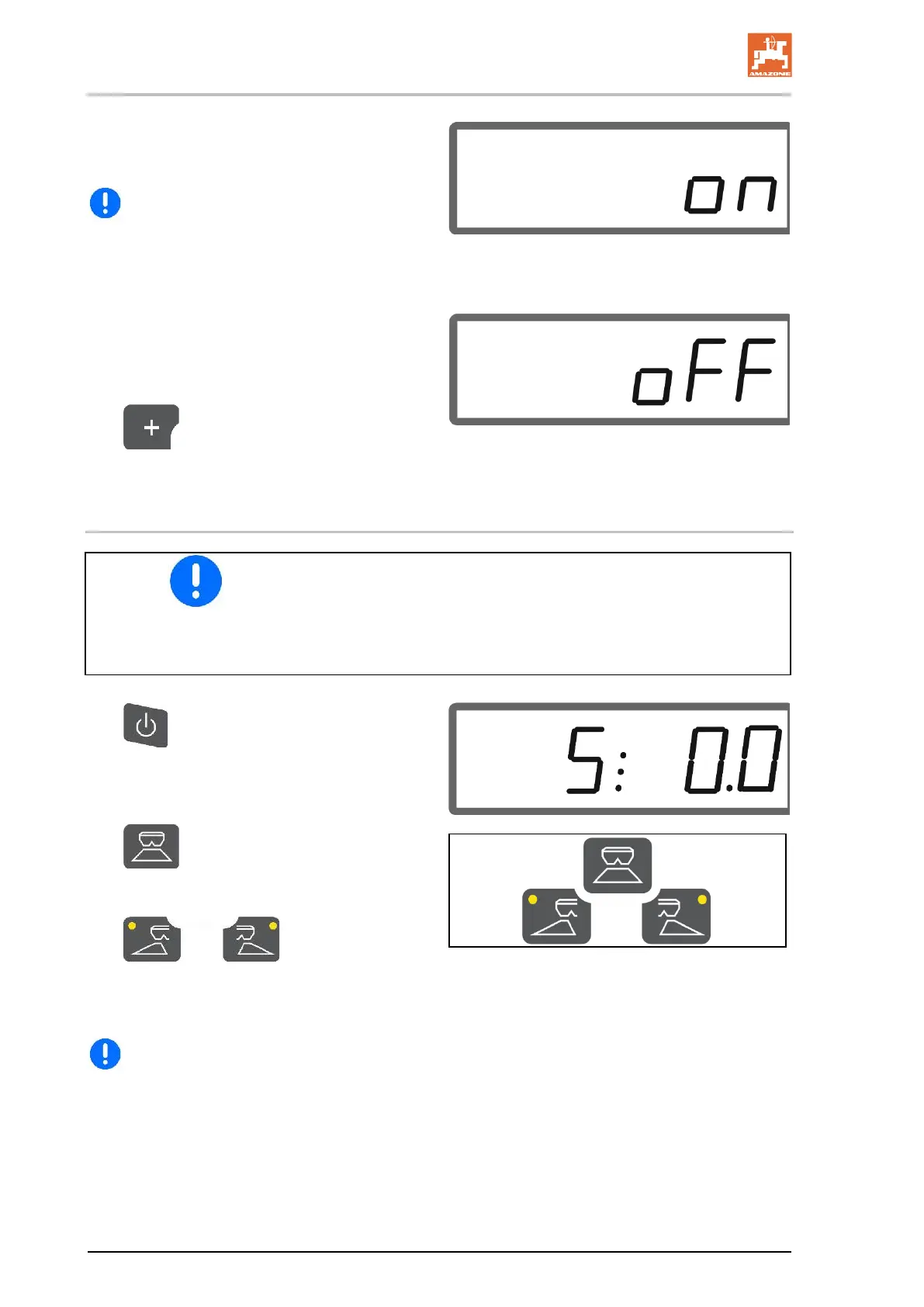
→ Display ON for 5 seconds after opening the
shutter.
If the shutters are opened when the limiter
is activated, a signal tone is issued. This also
indicates boundary spreading.
After boundary spreading:
1. Actuate the tractor control unit.
→ Deactivate the limiter for boundary
spreading.
The LED is turned off.
2.
If necessary, set the rate on the
boundary side back to 100%.
3.3 Spreading slug pellets and fine seeds
• Enter the values for the spread rate in kg/ha and the working
width before operation.
• Determine the calibration factor for slug pellets or fine seeds,
see page 9.
• Set and maintain the simulated speed, see page 12
1.
Switch on the implement and the
work display will be shown:
2. Set the simulated speed.
3. When the spreading discs are
driven, start driving and simultaneously
open the shutters.
For spreading on
one side, select the corresponding shutter.
The LED shows which shutter is open on
one side.
Reach the set simulated speed as quickly
as possible.
Maintain the simulated speed while spreading
slug pellets or fine seeds.




 To Next Page