BAG0217.9 06.22
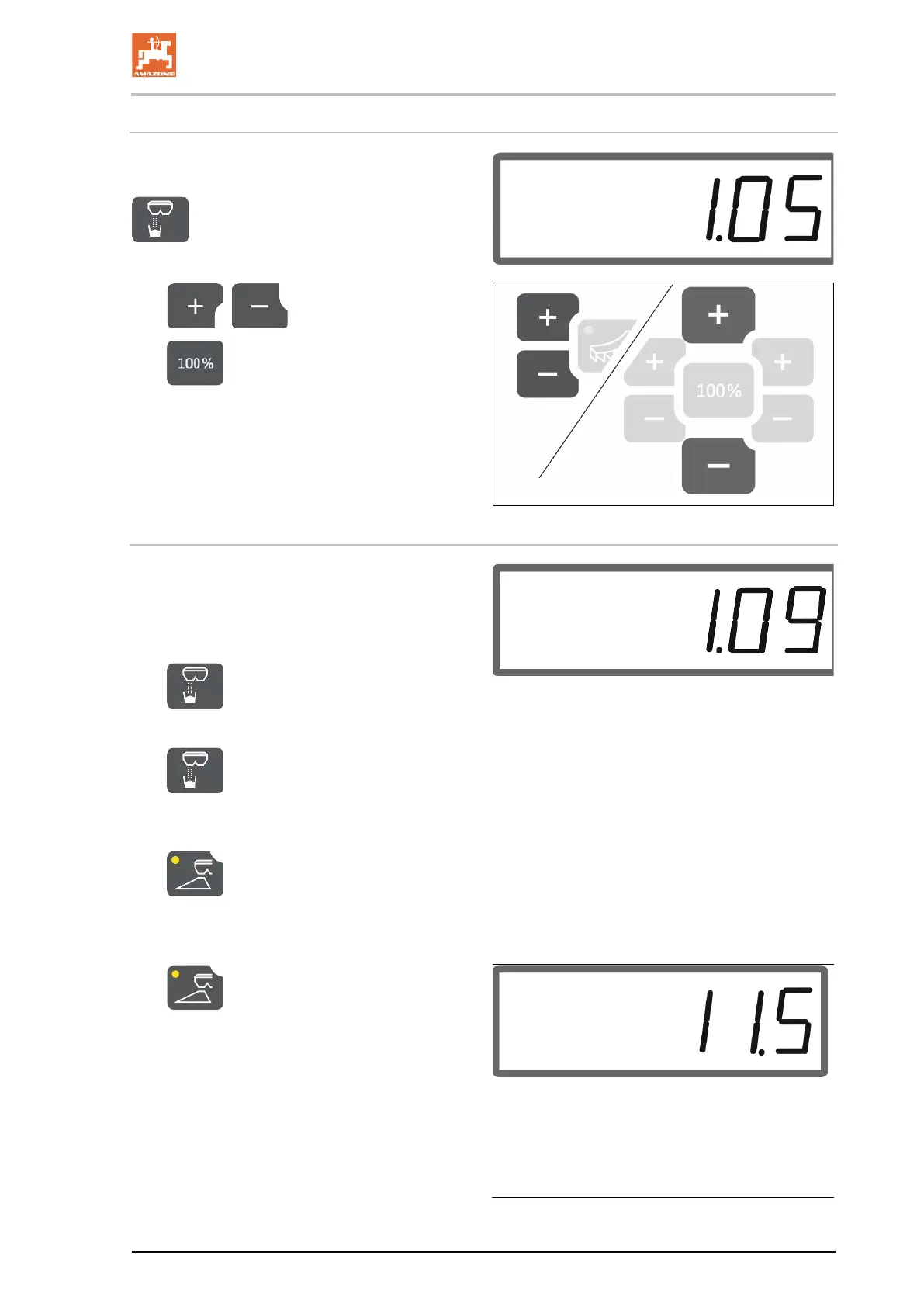
Entering the fertiliser calibration factor
If the fertiliser calibration factor is known, it can
be entered directly.
Select calibration.
→ The calibration factor will be displayed.
4. , Set the calibration factor.
5.
Save the value and go back to the
work display.
Determining the fertiliser calibration factor with the left shutter
1. Prepare for fertiliser calibration using the
left shutter,
refer to the implement operating
manual.
2. Arbeitsbreite und Ausbringmenge eingeben.
3. Select calibration.
4. Enter the calibration value as a base value.
5.
Press and hold the button for 6
seconds.
→ The calibration routine starts.
6.
Open the left shutter.
→ The calibration time is shown.
3. Close the left shutter as soon as
enough spreading material has been col-
lected.
ο Fertiliser: Fill the collection bucket
completely.
ο Slug pellets and fine seeds: Collect
approx. 5 kg.
→ The theoretically spread fertiliser quantity is
shown in kg.




 To Next Page