Configuring the Intellex
Installation and Configuration Guide 21
Camera Control
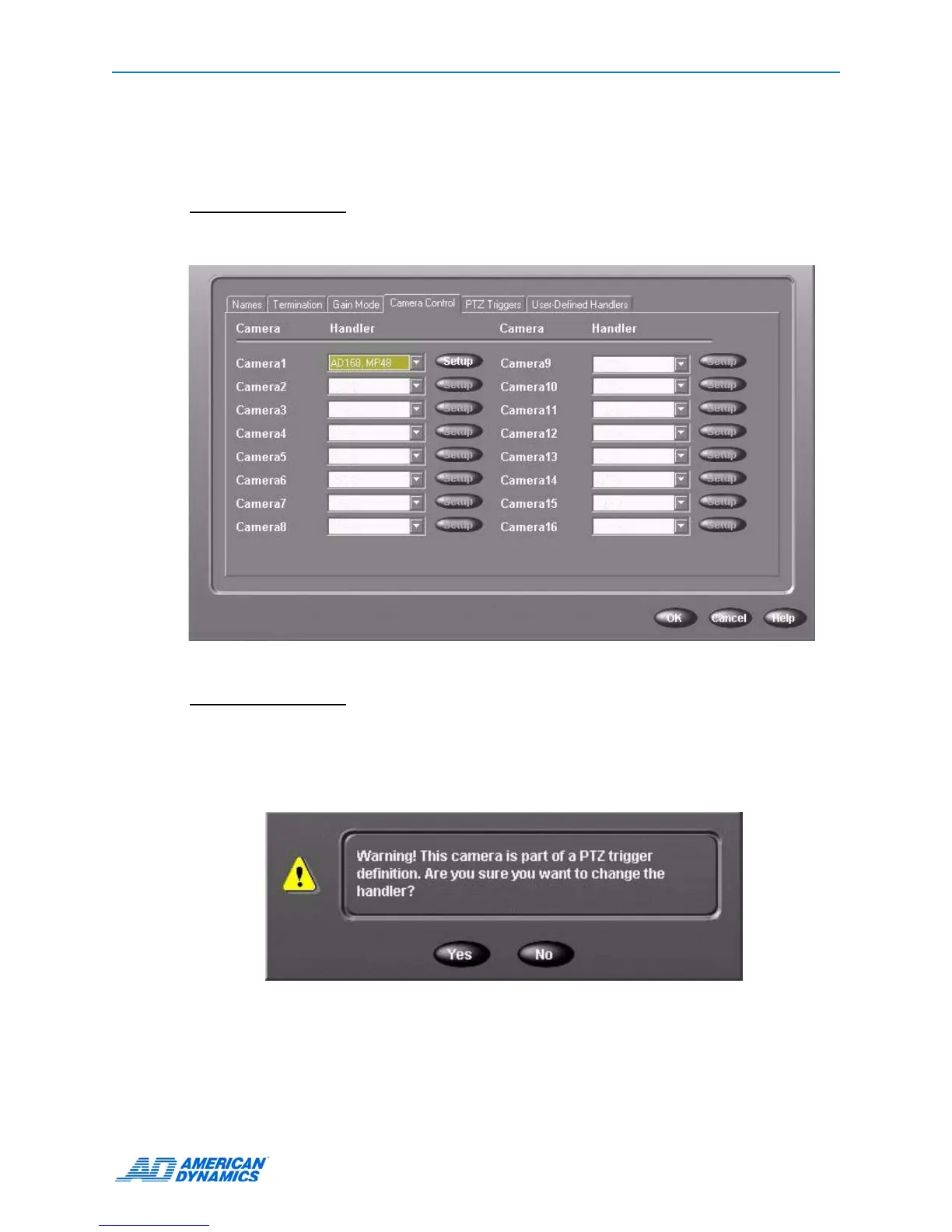
1 From the Camera Control tab, choose a camera handler, a driver allowing the Intellex to control
specific cameras or devices. The Setup button adjacent to that camera is now active.
Note
If you want to select a camera that Intellex does not directly support, you can install a custom
handler from the User-Defined Handlers tab. Refer to
User-Defined Handlers on page 22.
Note
If you change a camera handler that is identified with a PTZ trigger, the following warning
appears. Different handlers support different camera control functions, including preset
positions and patterns. Therefore, changing the handler can affect the validity of pre-existing
PTZ trigger definitions.
Click Yes to change the handler, or No to leave it unchanged.
2 Click Setup. The Camera Control Setup screen appears.



 To Next Page
 Loading...






