Configuring the Intellex
Installation and Configuration Guide 37
Adding, Editing, and Deleting Text Source
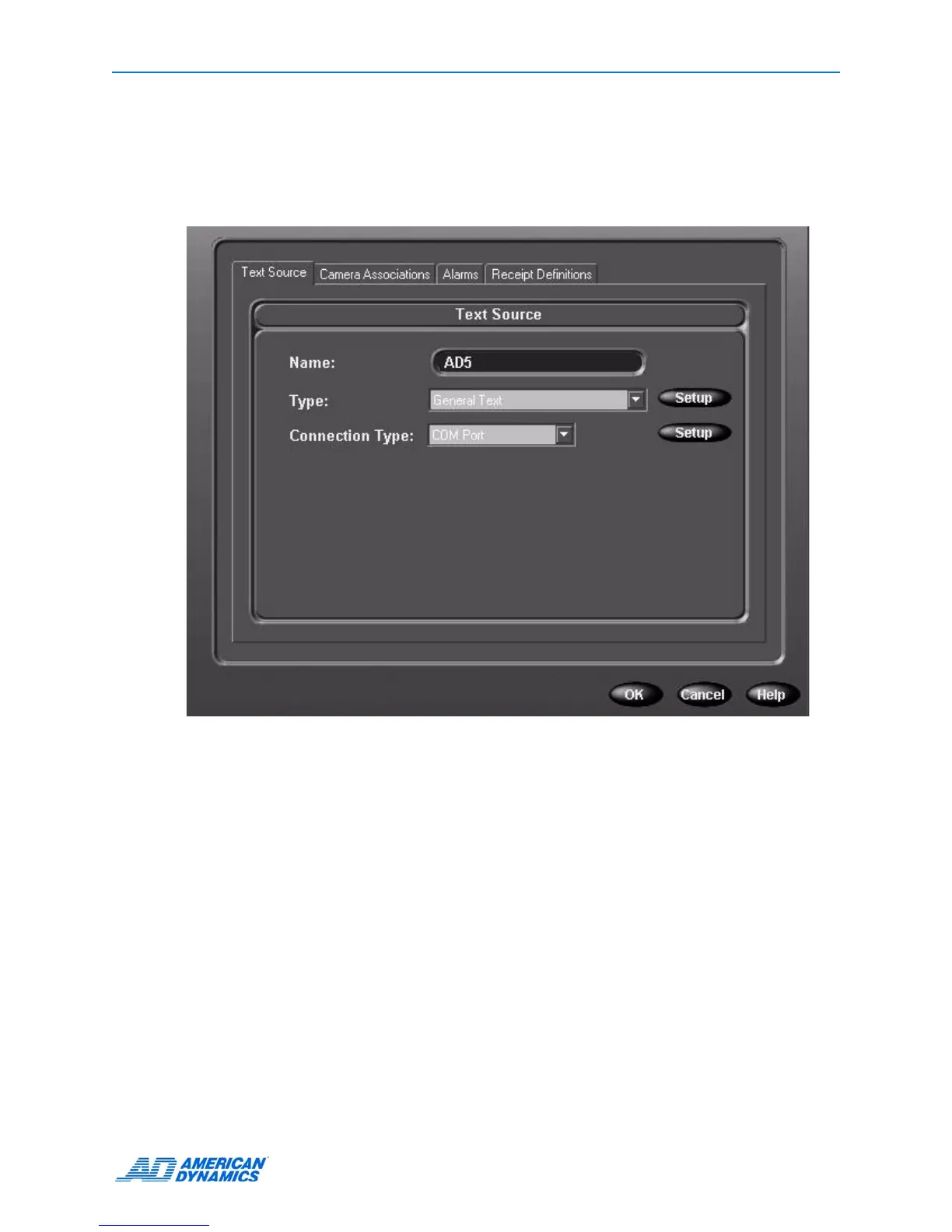
1 From the Setup Options screen, click Text.
2 Click Add or Edit.
3 From the Text Source tab, give the text a title in the name field.
4 Choose a handler type from Type. Click Setup.
• For General Text, the end-of-line delimiter allows Intellex to parse the text correctly for
matching search criteria as well as display.
• For American Dynamics Printer Interface, select one or both options.
5 Select a connection type, and click Setup.



 To Next Page
 Loading...






