Configuring the Intellex
Installation and Configuration Guide 27
Covert Mode
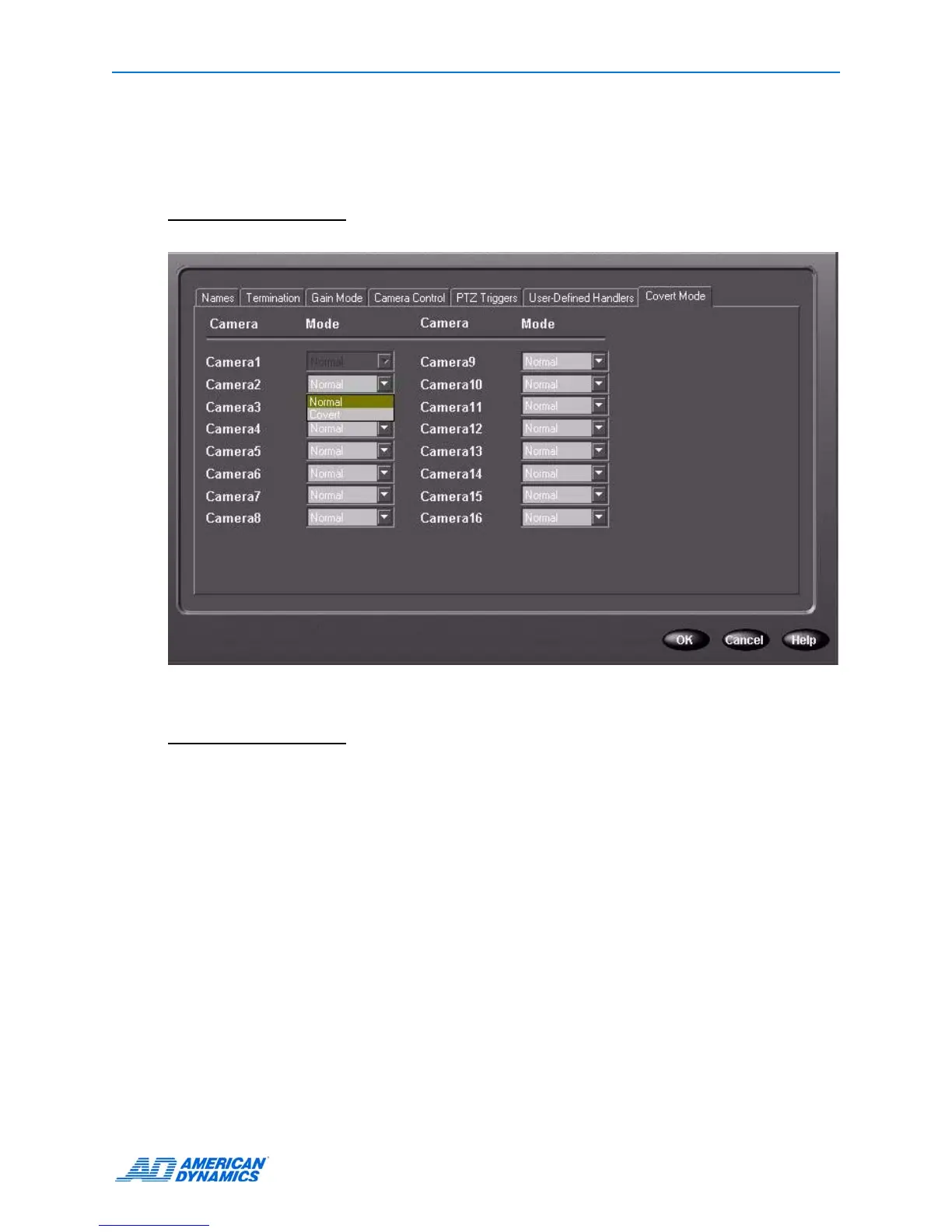
1 To remove the selected camera from view and appear disconnected, from the Covert Mode tab
you can choose Covert.
Note
Covert mode is not available for camera 1.
2 Click OK.
Note
You must have Administrator authorization to enable or disable viewing covert cameras. When
Covert mode is disabled in classic security mode, all live and recorded video is visible to all users.
See
page 40.



 To Next Page
 Loading...






