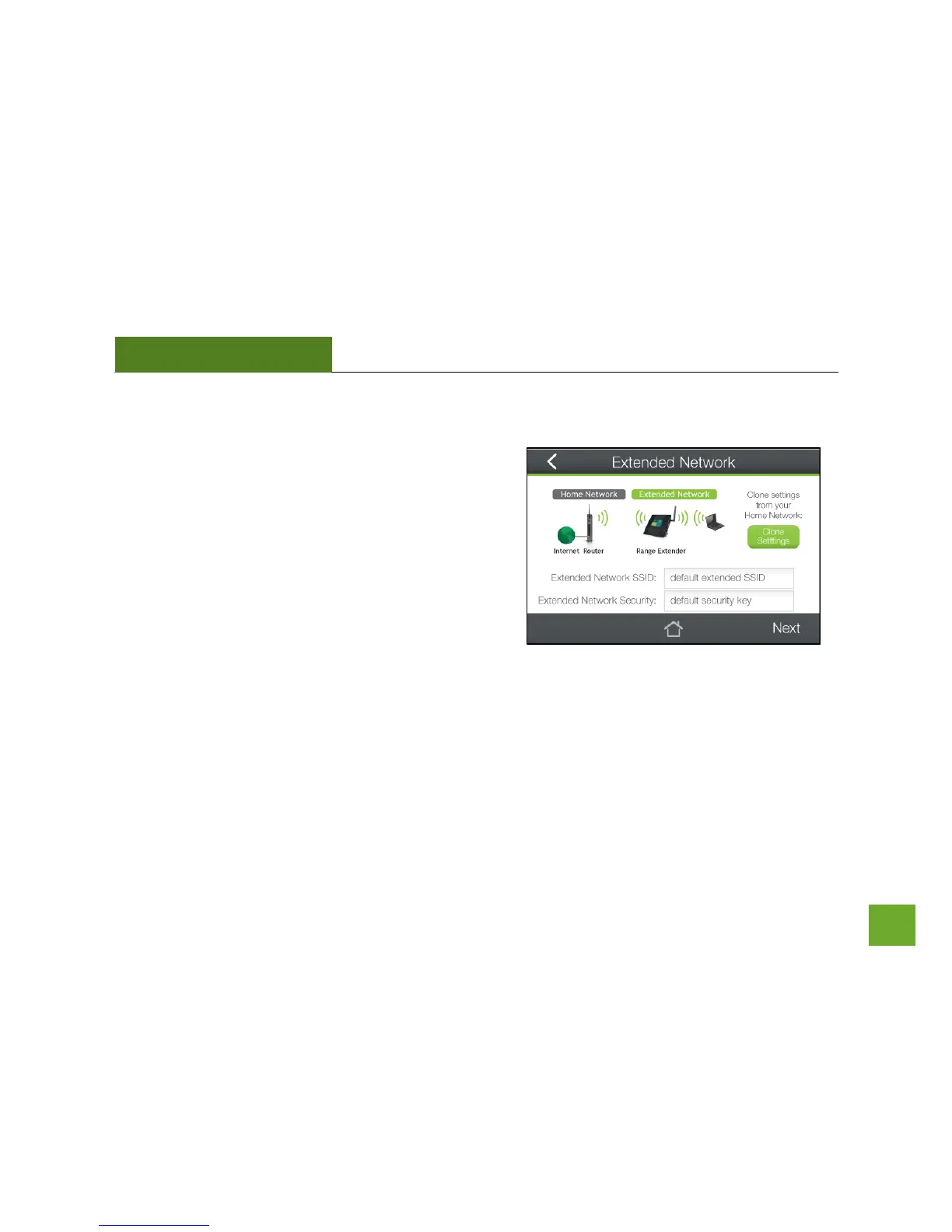
Extended Network Settings
The default SSID of the Range Extender’s Extended Network
is “Amped TAP-EX”.
If you choose to Clone the settings from your Home
Network, the wizard will copy the SSID and Security Key of
your Home Network.
The SSID of the Extended Network will have a "_RE" at the
end of its name. For example: Home_Network_RE.
You can also manually enter a new network ID and security
key. The new security key must be at least 8 characters long.
Tap Next to apply the settings.













 To Next Page