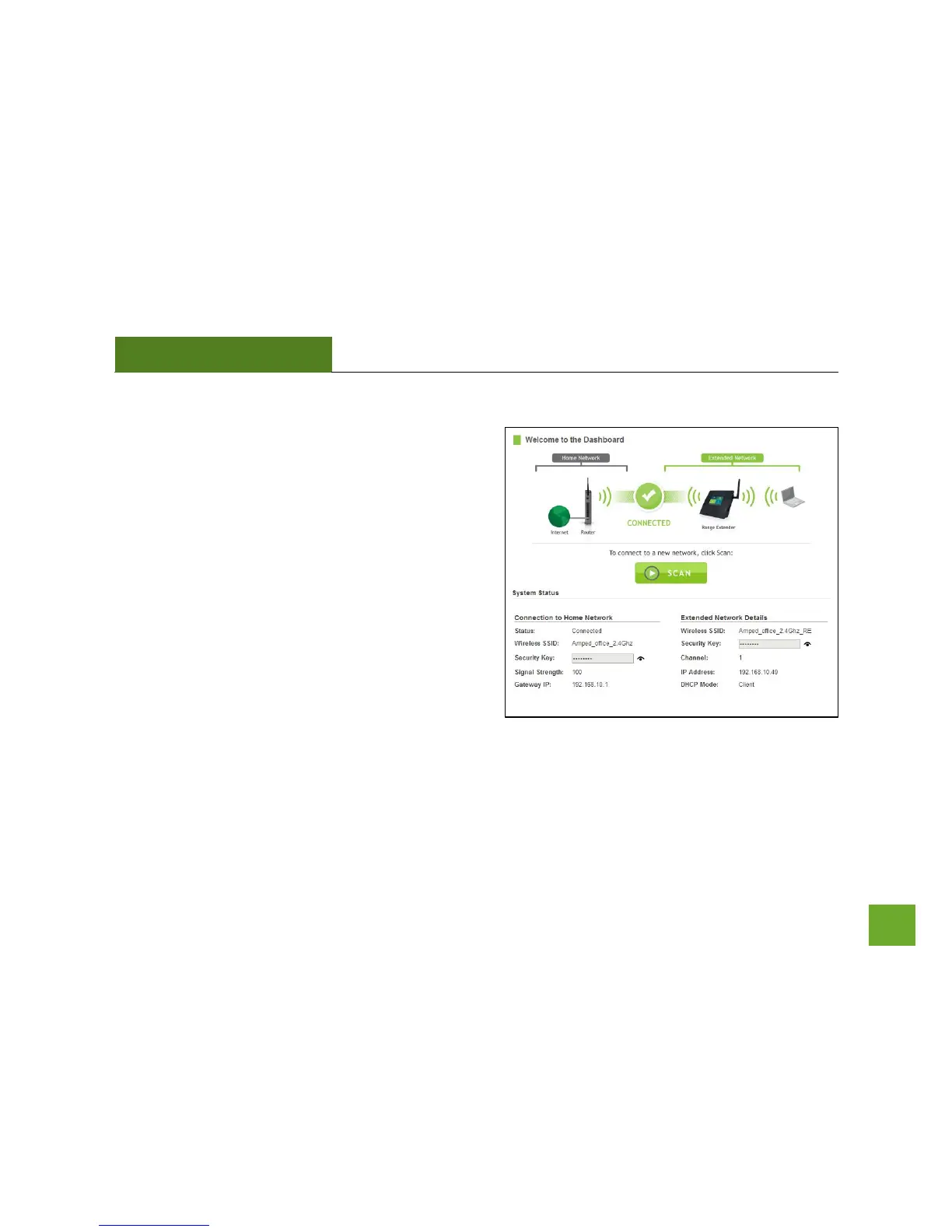
Welcome to the Dashboard
The Dashboard will provide you with the current status
of the Range Extender.
Click SCAN to find an available network to extend.
The diagram on this page displays the terms used to
describe:
1) The network you are trying to extend (Home
Network).
2) The network that is rebroadcasted and
extended (Extended Network).
Study this diagram carefully as the terms used in the
following instructions will refer to these names.













 To Next Page