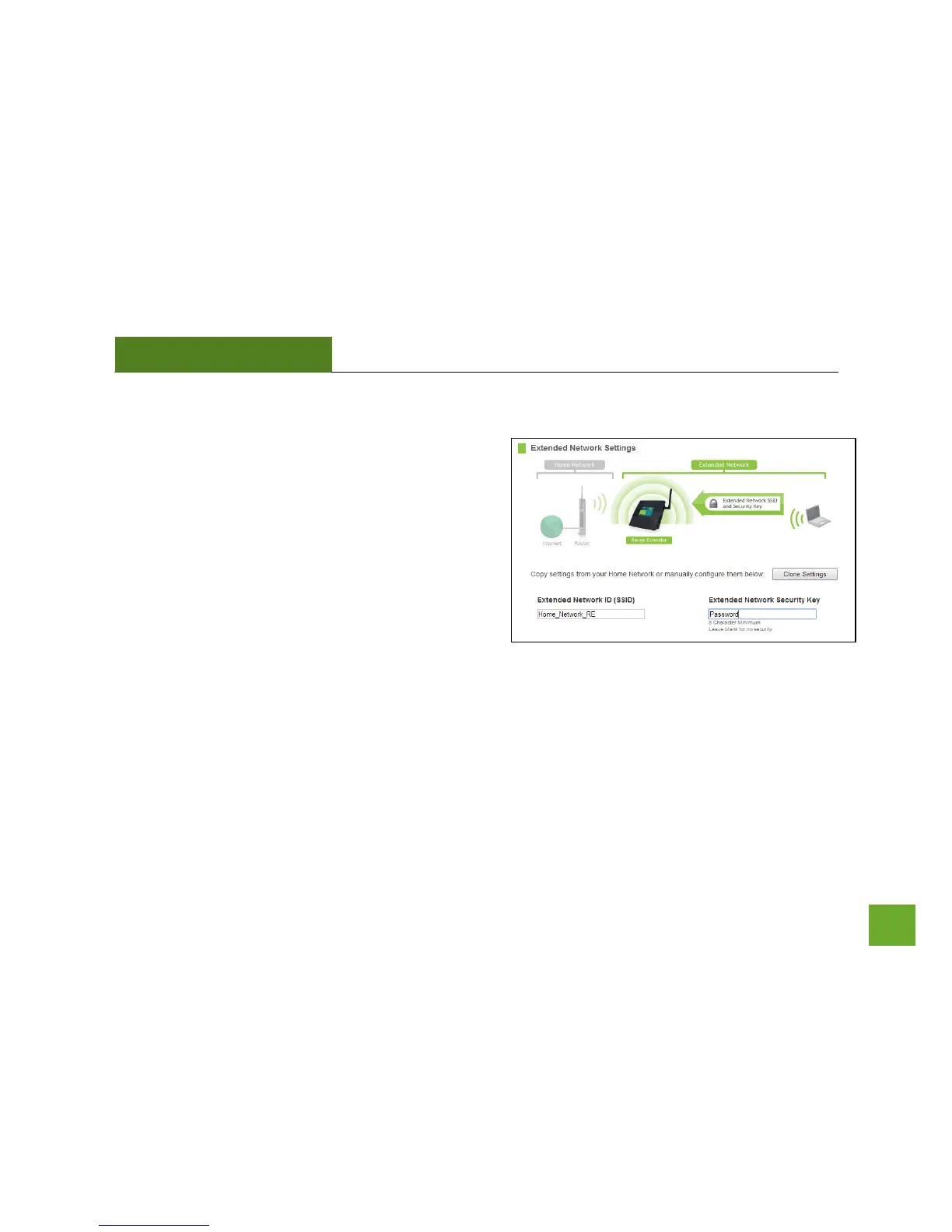
Extended Network Settings
The default SSID of the Range Extender is Amped TAP-EX.
If you choose to Clone Settings from your Home
Network, the wizard will copy the SSID and Security Key of
your Home Network.
The SSID of the Extended Network will have a "_RE" at the
end of its name. For example: Home_Network_RE
You can also manually enter a new SSID and Security Key.
The new security key must be at least 8 characters long.
Click Next to apply the settings.













 To Next Page