Management (Web): Upgrade Firmware
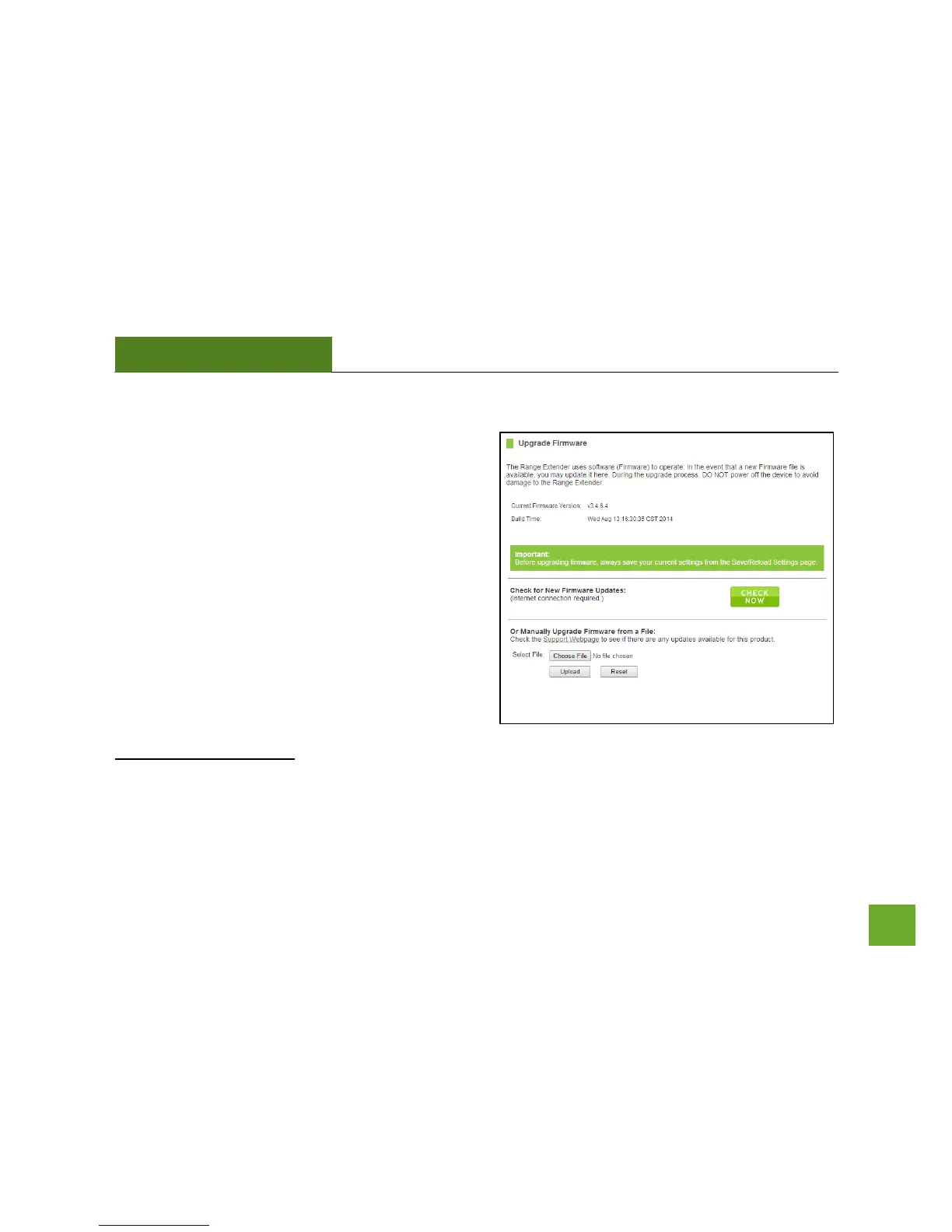
Amped Wireless continuously updates the firmware for
all products in an effort to constantly improve our
products and their user experiences. When connected
to an active connection with Internet access, the Range
Extender can automatically check for new firmware
updates that are available by pressing Check Now.
Follow the prompts to complete the upgrade process.
Before upgrading the firmware, remember to always
save your current settings first by going to the
Save/Reload Settings page. The firmware upgrade
process will reset the settings of the Range Extender to
default settings.
Manual Firmware Upgrade: In the case that the Range Extender does not have access to the Internet, you can
manually upgrade the firmware by downloading the firmware file from the Amped Wireless Elite Support
website. The firmware update is downloaded as a zip file and you will need to have an unzipping program to













 To Next Page