Navigating the Touch Screen Menu
Before we begin, here are a few tips on how to navigate the Touch Screen Menu:
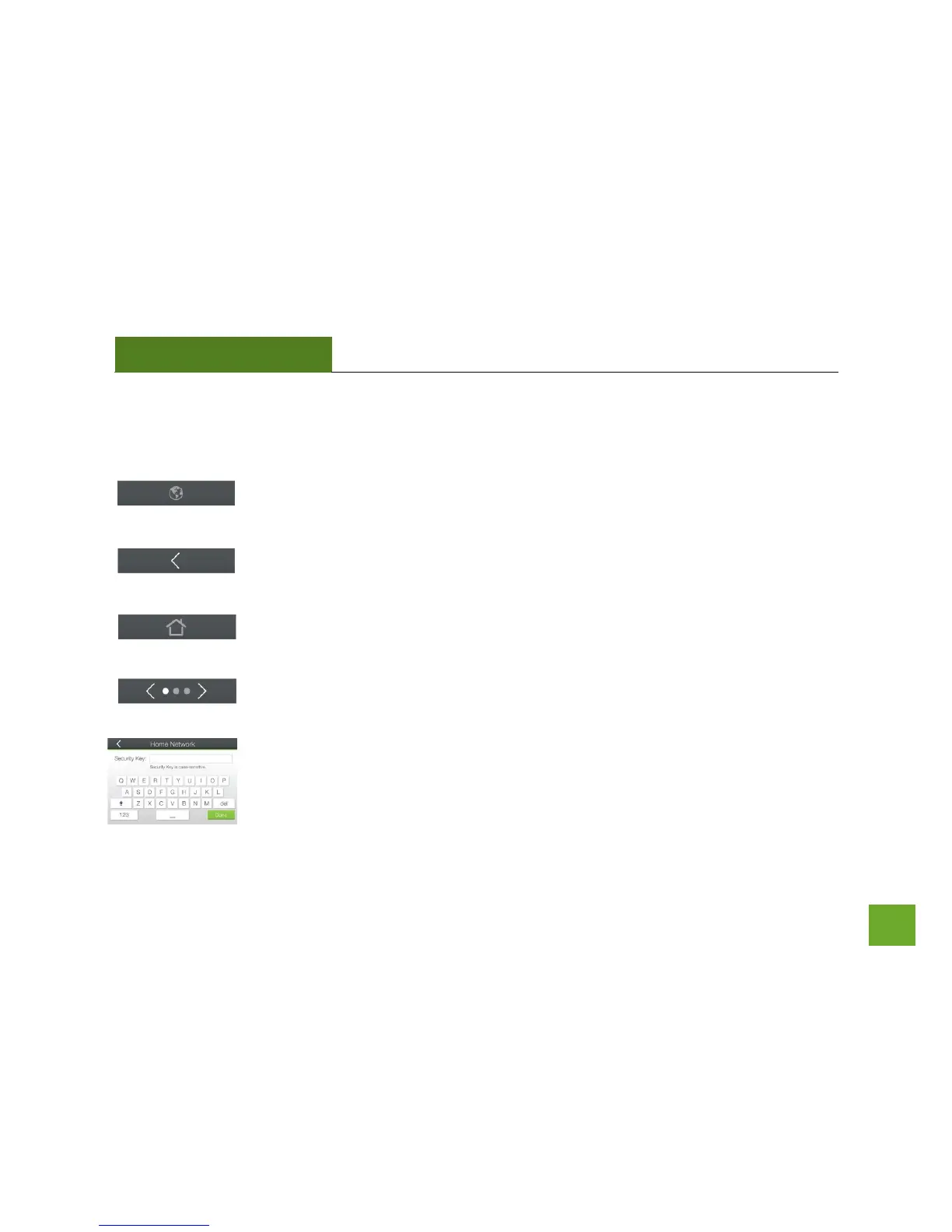
Language Selection: Tap the Globe icon, found on the bottom of the Settings screen, to
change the language of the menu.
Back Arrow: Tap the Left Arrow, found on the upper left corner of many screens, to
navigate back to the previous page.
Home Button: Tap the Home icon, found on the bottom of many screens, to return to the
Dashboard at any time.
Navigation Button: Tap the Left or Right Arrow to navigate between multiple pages for
one screen. The dots in this example indicate there are 3 pages to see.
Keyboards/Keypads: Tap on a Blank Field to access a keyboard or keypad for entering in
information such as your Network ID and Security Key.













 To Next Page