MORE SETTINGS (TOUCH SCREEN)
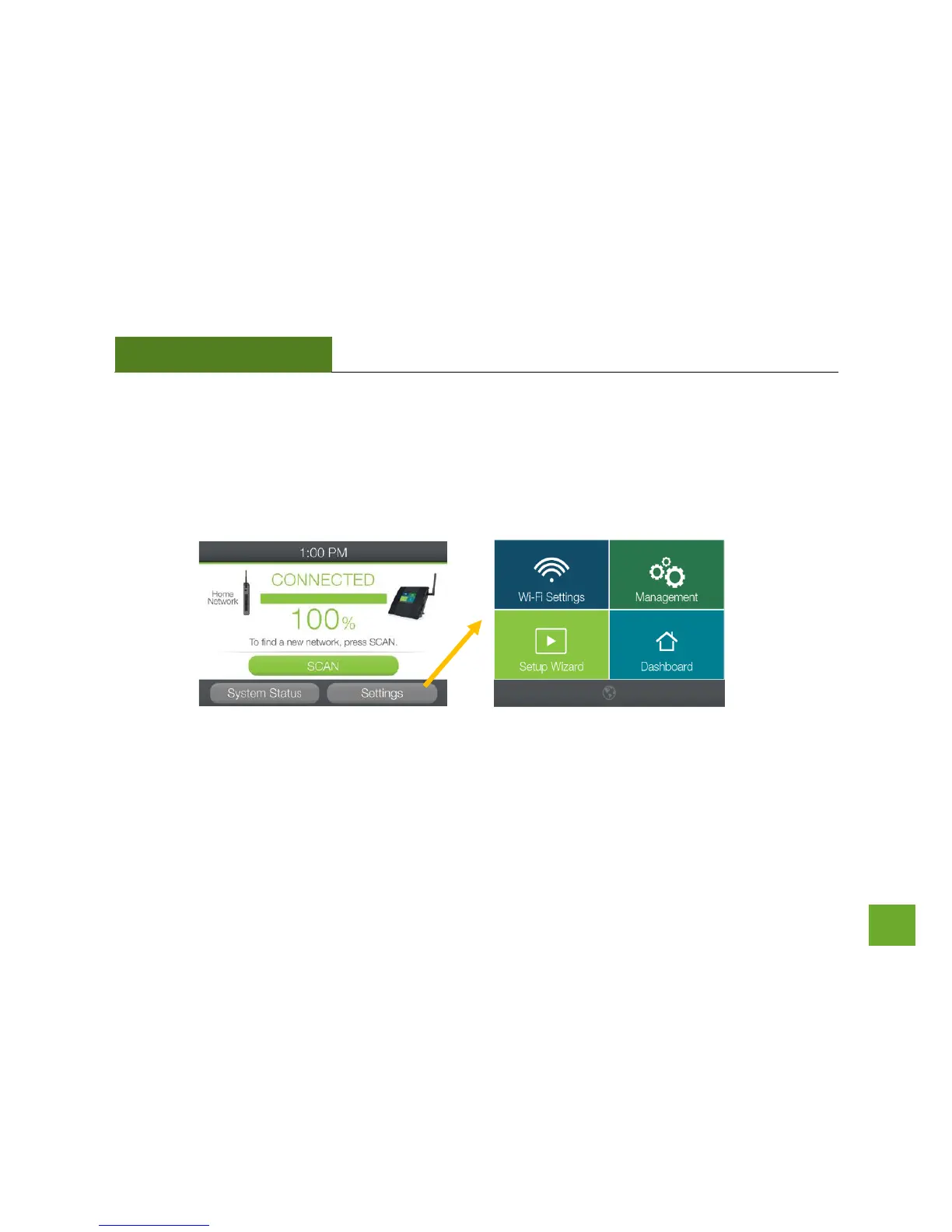
The Range Extender’s Touch Screen Menu provides a host of features that you can easily configure with the
touch of your finger. To access the main Settings Menu tap Settings from the Dashboard. From there you can
access additional Wi-Fi Settings or Management Settings.
Note: For more advanced features and detailed options please access the web menu through your web
browser, setup.ampedwireless.com.













 To Next Page