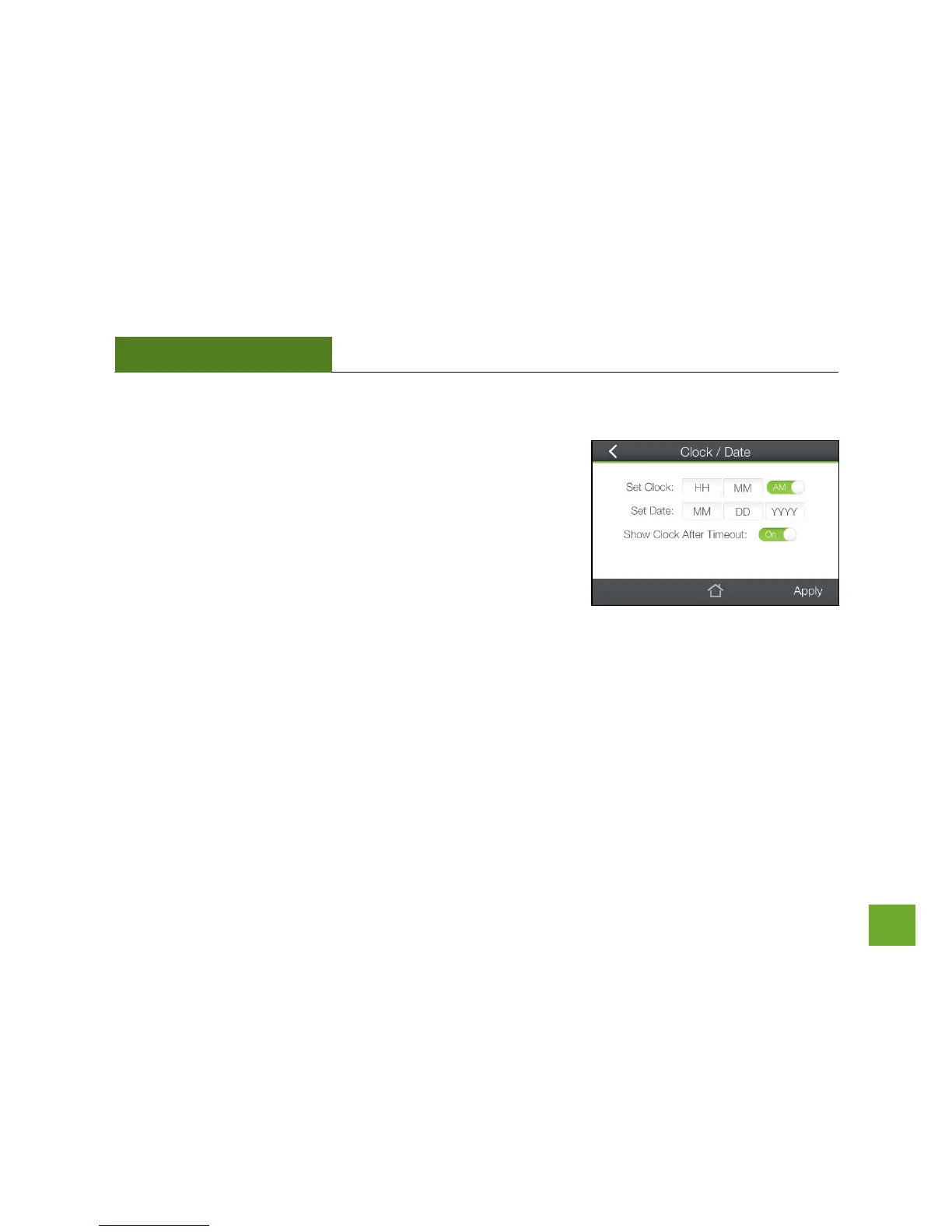
Management (Touch): Clock / Date
Maintain the internal clock for the Range Extender by syncing with the
Your clock and date settings need to be accurate in order for Logs and
Wi-Fi Access Schedules to work correctly.
If you wish for the Clock to show on your screen when the Range
Extender is timed-out, toggle this to On.
Be sure to Apply settings to save them.













 To Next Page