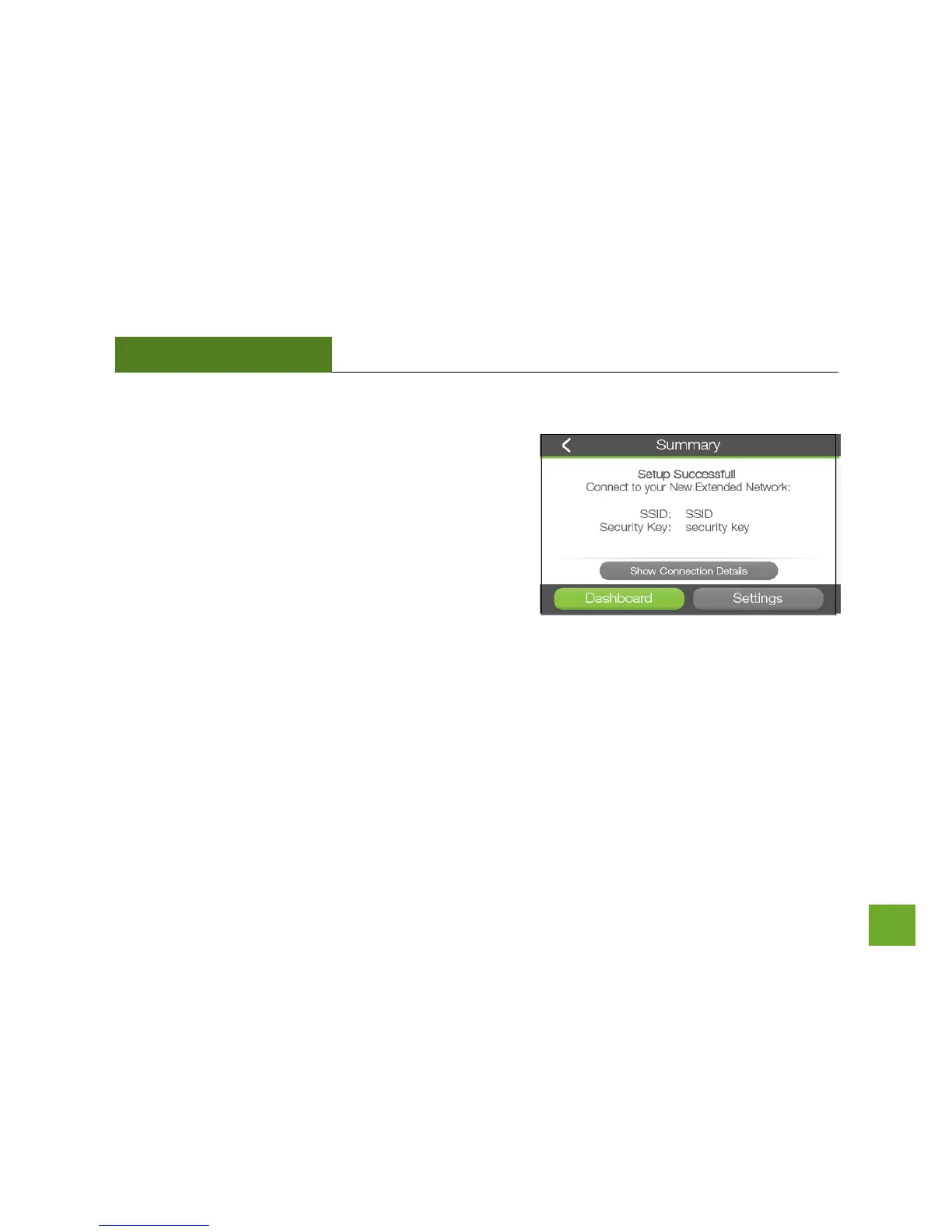
Setup Summary
Congratulations, the Range Extender is now successfully
configured! Your settings are now saved.
If you haven’t already positioned your Range Extender in an
optimal location, you may do so now. All Range Extender
settings are saved and the unit can be safely powered off for
relocation.
You may also attach any wired network devices to the wired ports on the side of the Range Extender at this
time.
If you experience any problems during this process please contact our Amped Wireless Elite Support at 888-
573-8820 or 909-217-3168.













 To Next Page