WI-FI SETTINGS (WEB BROWSER)
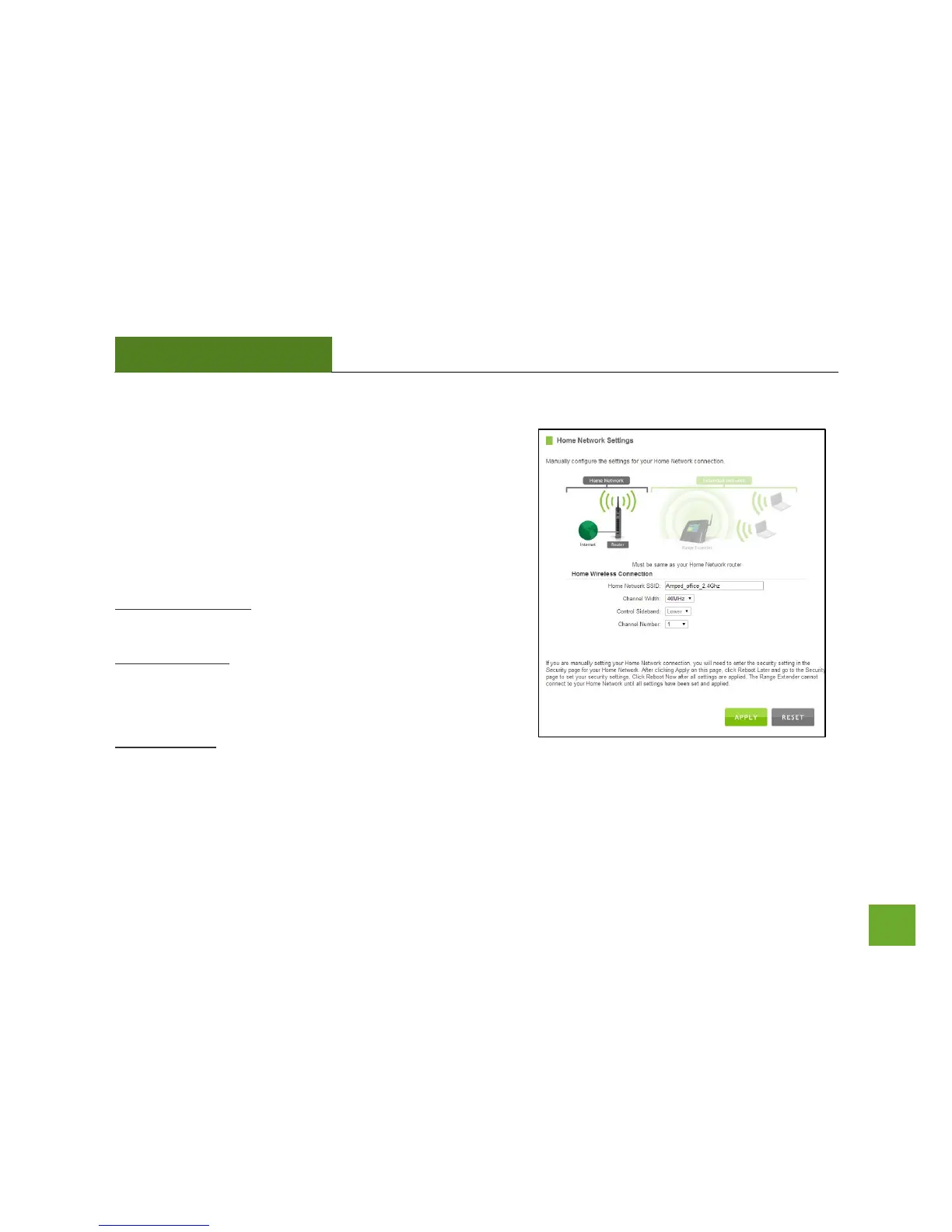
Home Network Settings
Home Network Settings allow you to adjust settings for your
Range Extender’s connection with your Home Network router.
Should you choose to skip the Setup Wizard and manually
configure your Range Extender, this is the menu you use to do
so.
Home Network SSID: Manually enter the Identification name
of the Home Network you wish to connect to.
Channel Number: Enter the channel number of the Home
Network. If the channel number does not match, a connection
will not be established.
Channel Width: Wi-Fi operates in two separate channel
widths, 20Hz and 40Hz. 20Hz allows operation on channels 1-11, while 40Hz is 5-11. 40Hz allows for faster
speeds. Select the channel width you wish to use for your network. This setting must match that of your Home
Network for a successful connection.













 To Next Page