Management (Web): Device Status
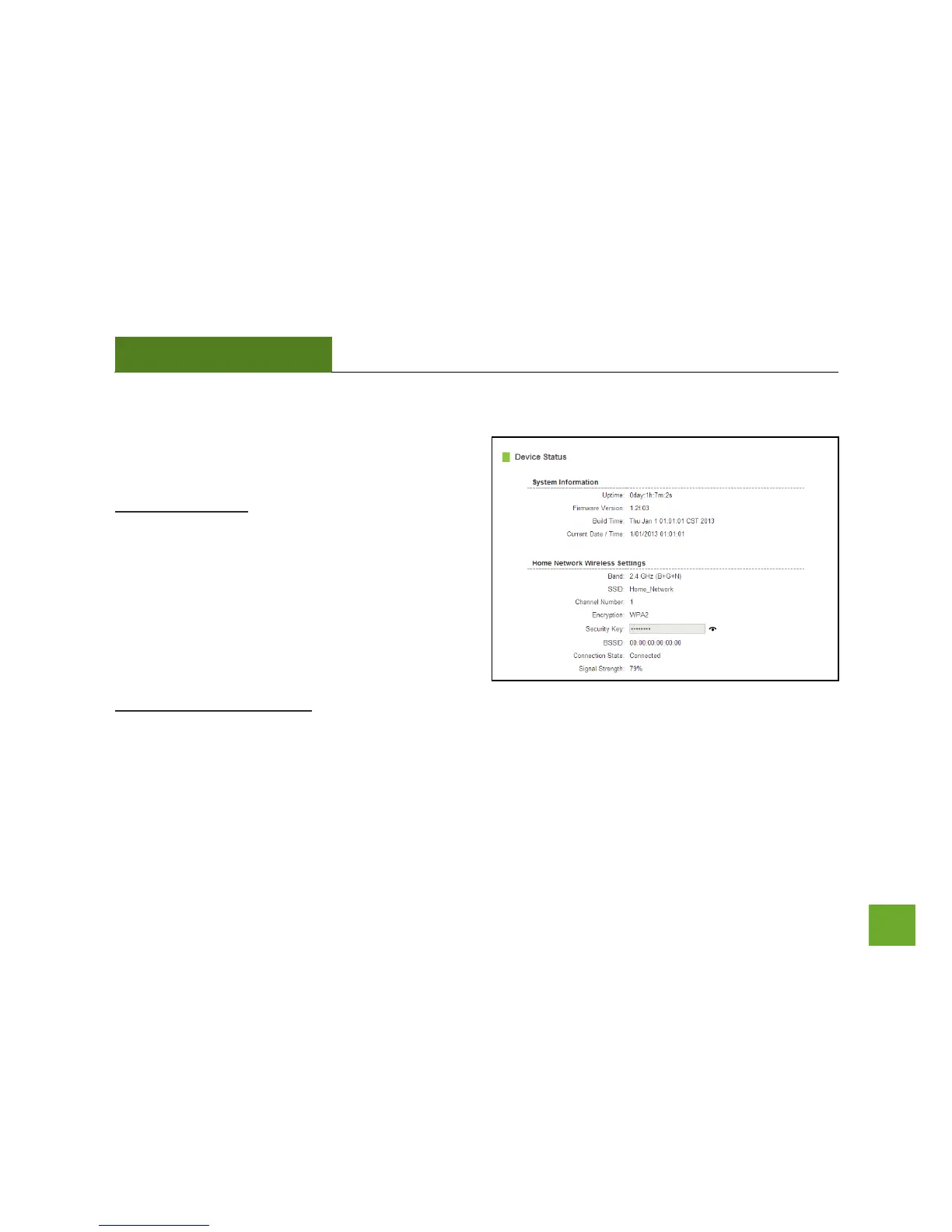
The Device Status provides you with a snapshot of your
Range Extender’s current connections and settings.
System Information: This section provides you with
information on the version and build time of your
firmware. This is used to help our support department
determine what firmware version your device is
running.
The Current Date / Time is the setting for the system
clock. If this time is off, go to the System Clock section
and configure your system time.
Home Wi-Fi Network Settings: This section displays the current status of the connection between the Range
Extender and your Home Network. When viewing this section, it is important to check that your Home
Network SSID is correct and the channel number matches your Home Network's channel number settings.













 To Next Page