Management (Touch): Statistics
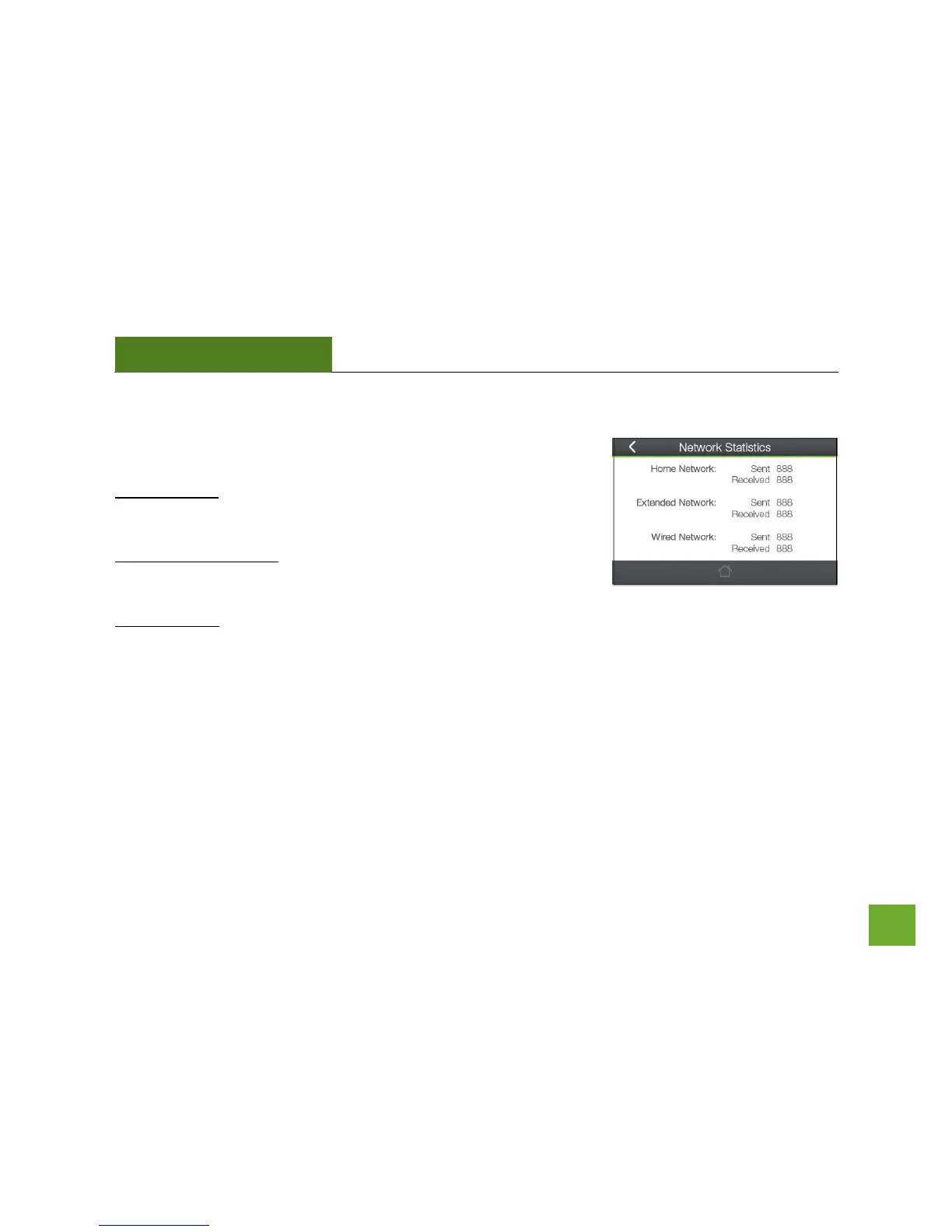
These statistics show the data activity for each network connection.
Home Network: These statistics show the data activity for all upload and
download data between the Home Network and the Range Extender.
Extended Wi-Fi Network: These statistics show all data activity for all
users connected wirelessly to the Range Extender.
Wired Network: The Wired Connection statistics show all data activity for all users physically connected to the
wired ports on the Range Extender.













 To Next Page