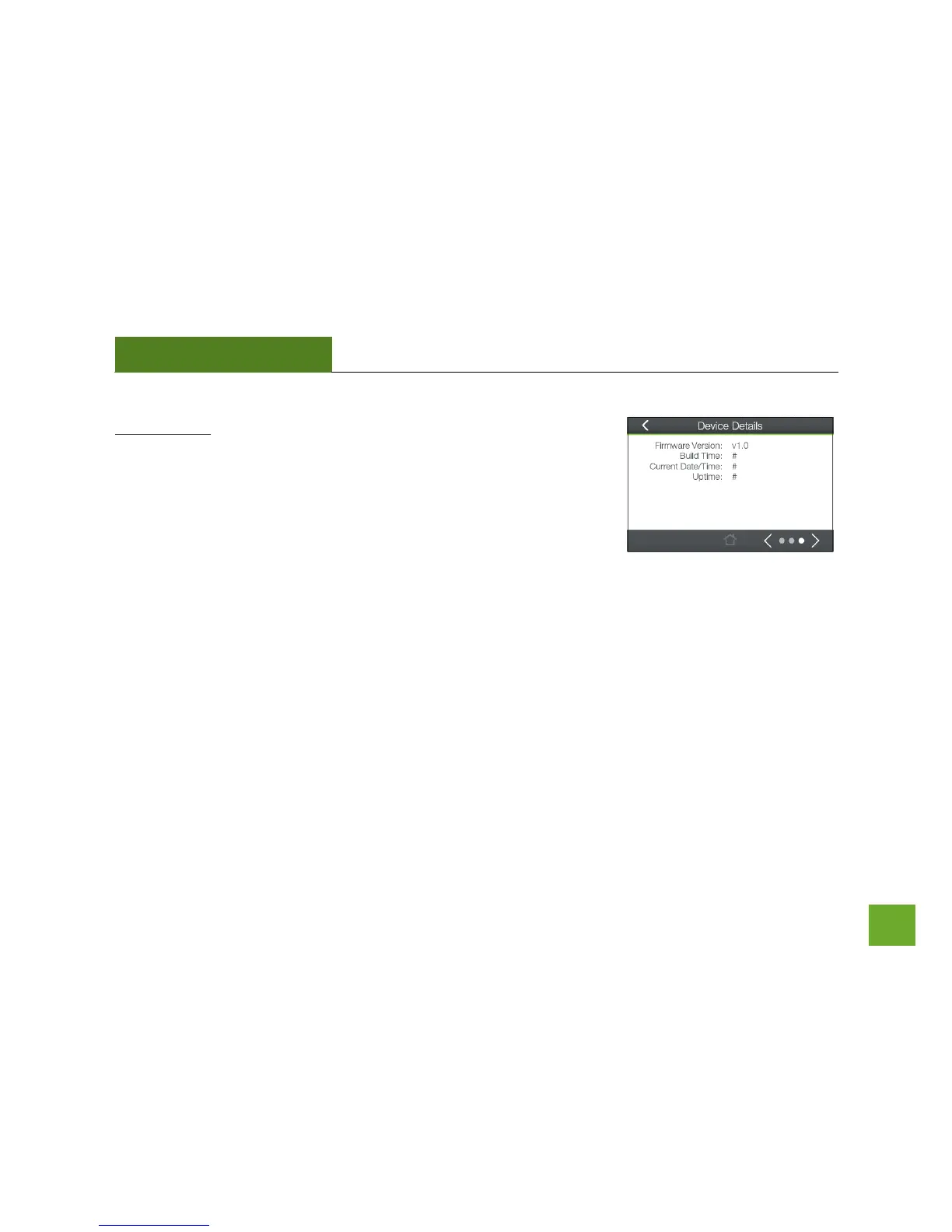
Device Details: This section provides you with information on the version
and build time of your firmware. This is used to help our support
department determine what firmware version your device is running.
The Current Date / Time is the setting for the System Clock. If this time is
off, go to the System Clock section and configure your system time.













 To Next Page