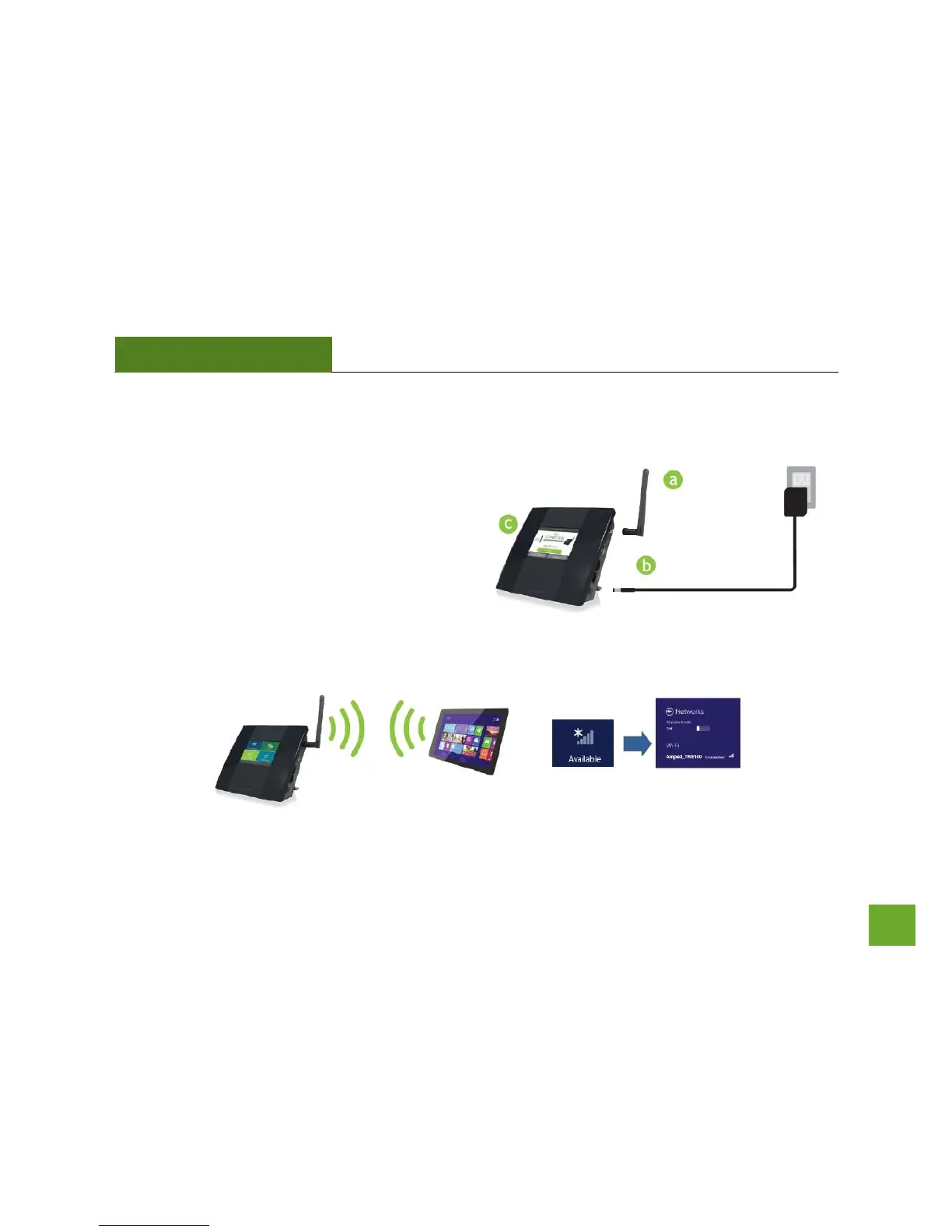
Connect your PC, Tablet, or Smartphone to the Range Extender
a. Attach the included antenna.
b. Attach the Power Adapter to the Range
Extender’s PWR Port and an available
power outlet.
c. The Range Extender should boot up
with the Amped Wireless logo and then
the Dashboard screen should appear.
d. Connect your PC, Tablet, or
Smartphone to the Range Extender’s
Wi-Fi network: Amped TAP-EX.













 To Next Page