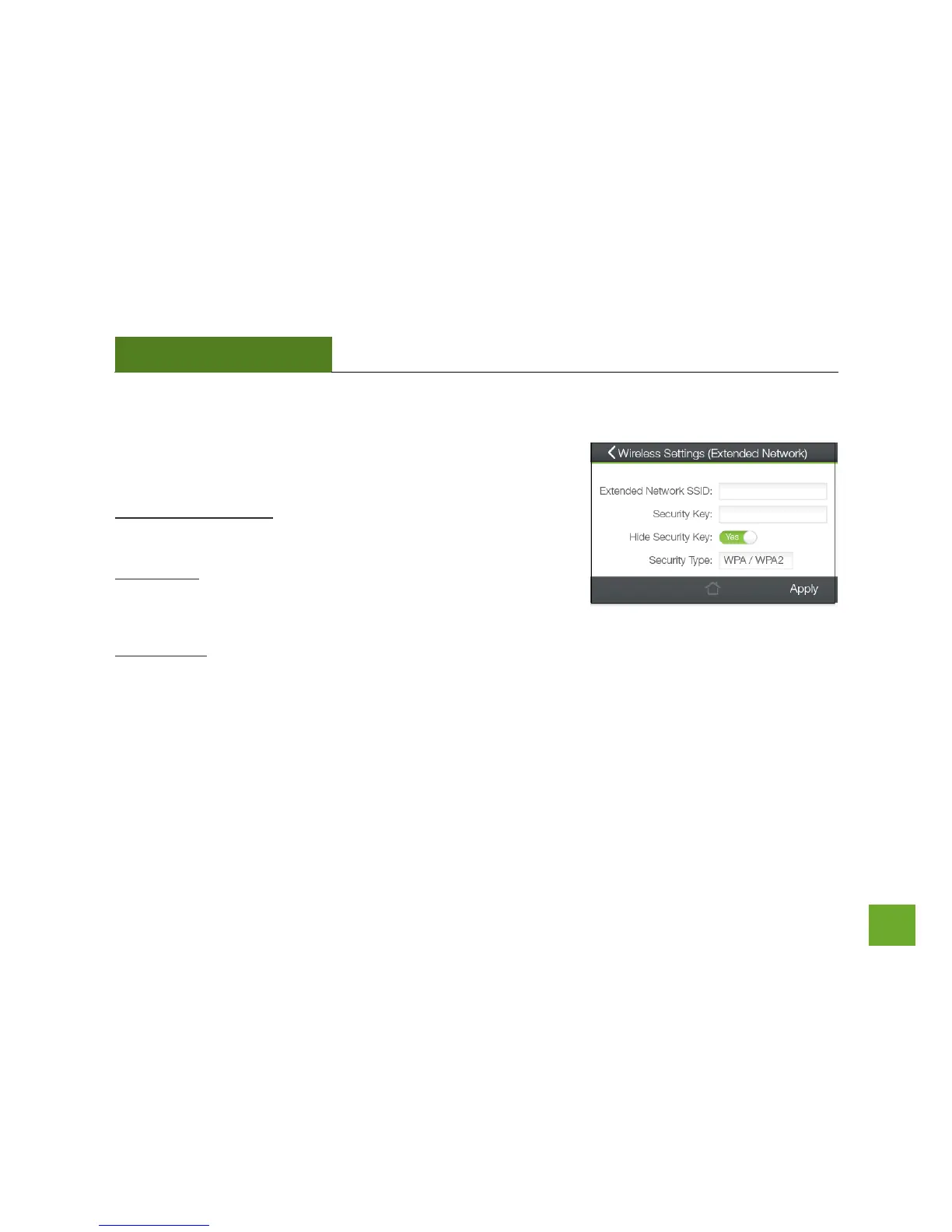
Wi-Fi Settings (Touch): Extended Network Settings
The Extended Network Settings page allows you to adjust settings for
your Extended Network.
Extended Network SSID: This is the Identification name of the
repeated/extended network.
Security Key: Enter the security key of the Extended Network. This is
the password that your network devices will use to connect to the
Extended Network.
Security Type: Select the encryption method used by the Home Network. This setting must match the Security
Type setting of your Home Network router.
More detailed settings can be found by accessing the web menu, setup.ampedwireless.com.













 To Next Page