MANUAL FOR SYSTEM INTEGRATOR
24
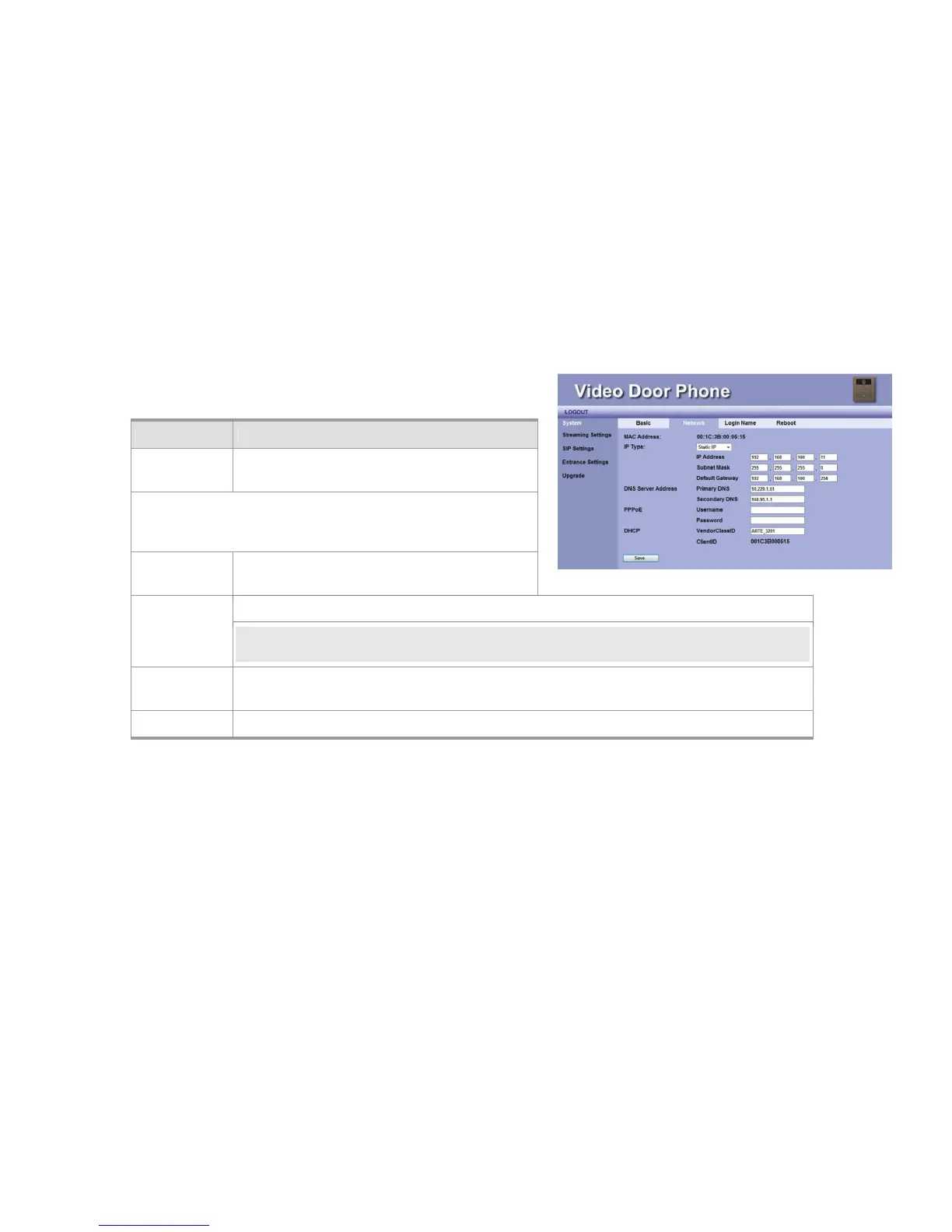
Network Setting
Item Description
MAC Address This is a quasi-unique identifier attached to most
network adapters.
IP Type
The default value is DHCP Client.
There are three options: DHCP Client, Static IP and PPPoE.
A. DHCP Client: The system will automatically
assign you an IP address.
B. PPPoE: This allows you to set Internet connection with User Name and Password.
NOTE:For PPPoE connection mode, we suggest that bandwidth-128kbps would have better video
quality.
C. Static IP: you have to input IP address, Subnet Mask, Default Gateway, Primary DNS and
Secondary DNS data.
Save Click this button to save your setting.
Figure 17: Network Setting



 To Next Page