MANUAL FOR SYSTEM INTEGRATOR
34
Upgrade
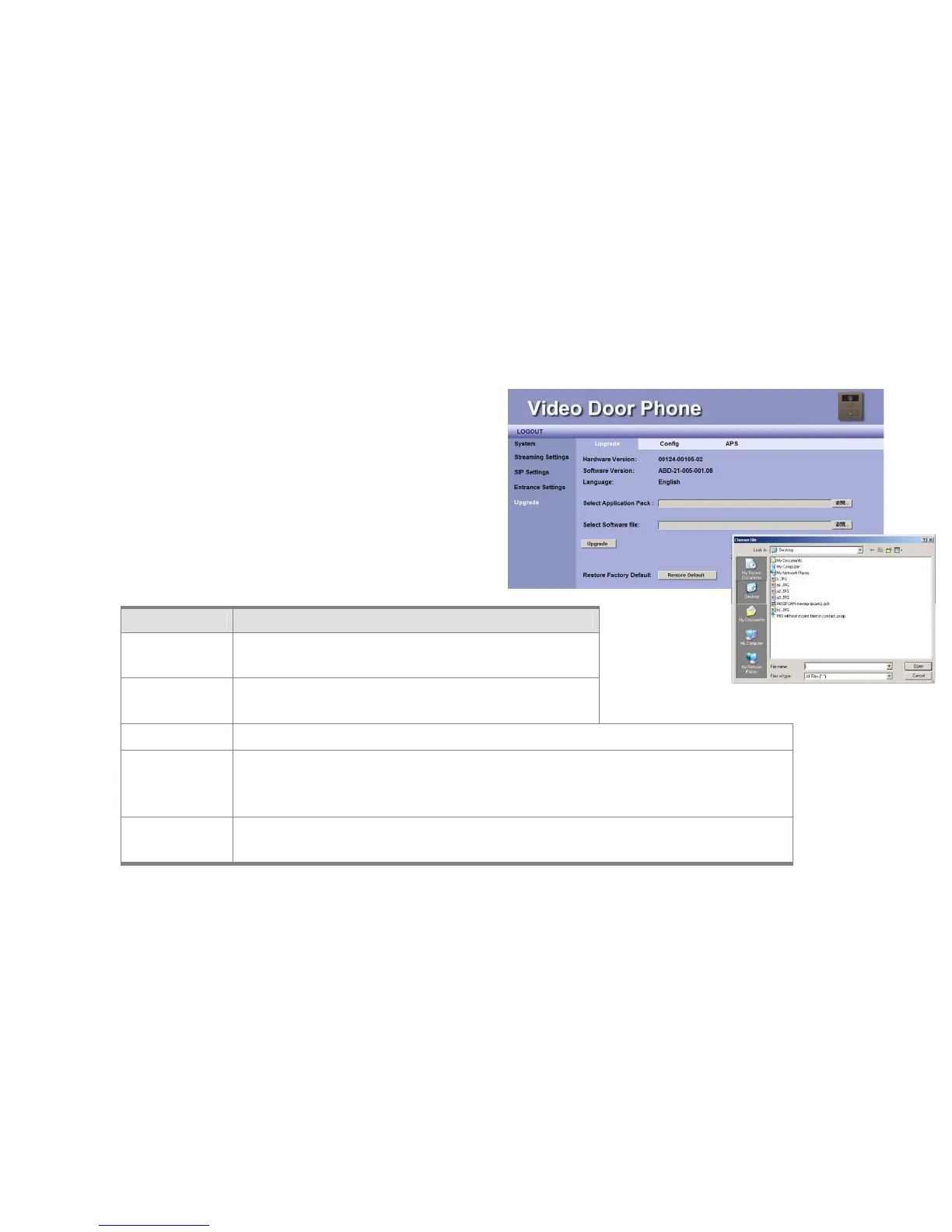
The Upgrade function allows you to upgrade firmware of the
DP3210 (Video Door Phone). The Upgrade here goes through Web
UI. Here we explain how to upgrade firmware.
Firmware Upgrade
Item Description
Hardware
Version
Shows firmware version number.
Software
Version
Shows current firmware version number.
Language This field displays WEB UI “language” type.
Select
Application
Pack
Press “Browse” button and select Application Pack from your local disk.
NOTE: Application Pack and Software File should be uploaded at the same time.
Select Software
file
You may press Browse button to pop up a File dialog box to select the location of the new
firmware that you wish to upgrade.
Figure 24: Firmware Upgrade



 To Next Page